Billing Application Journey

Access

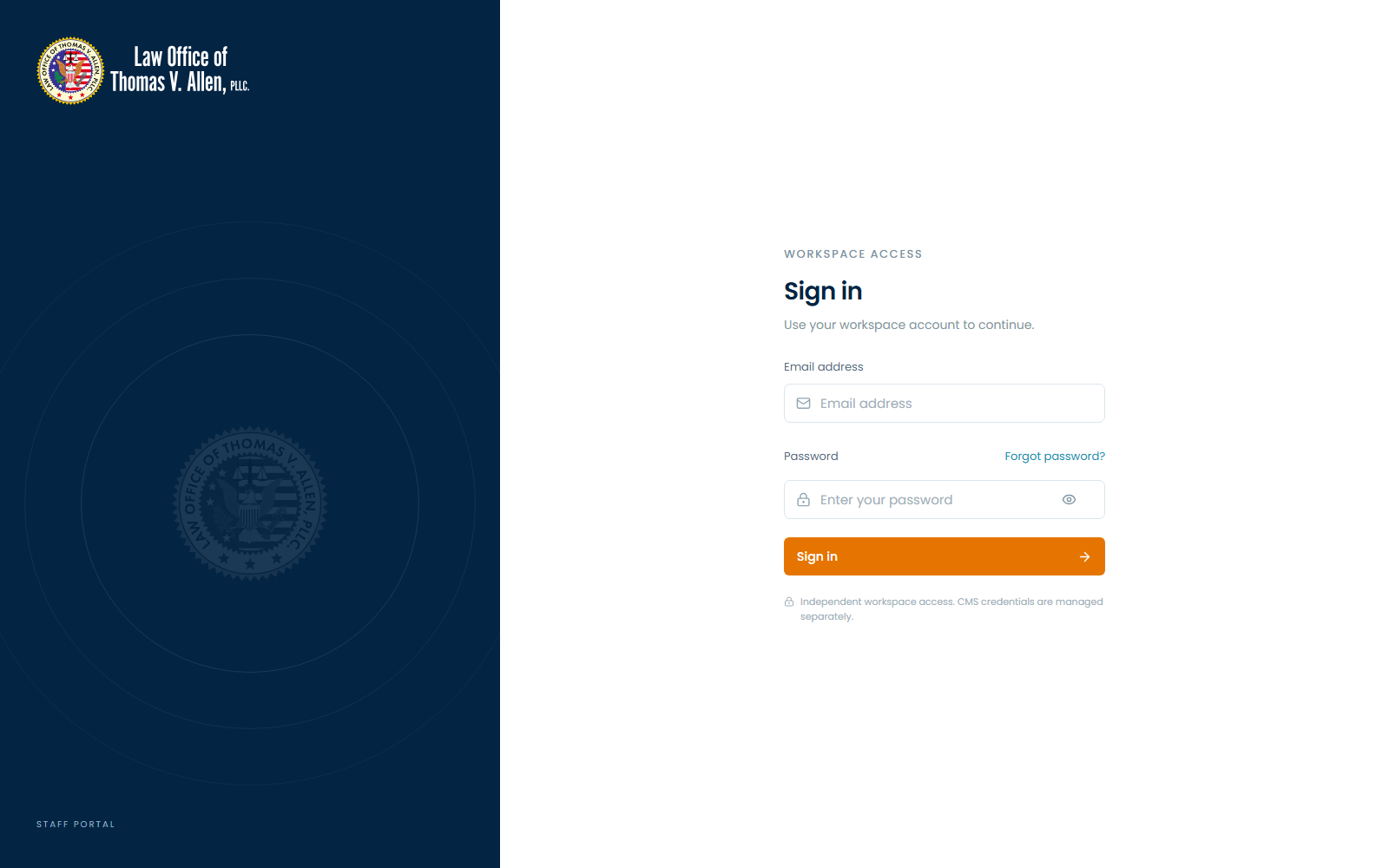
Sign in

Sign in

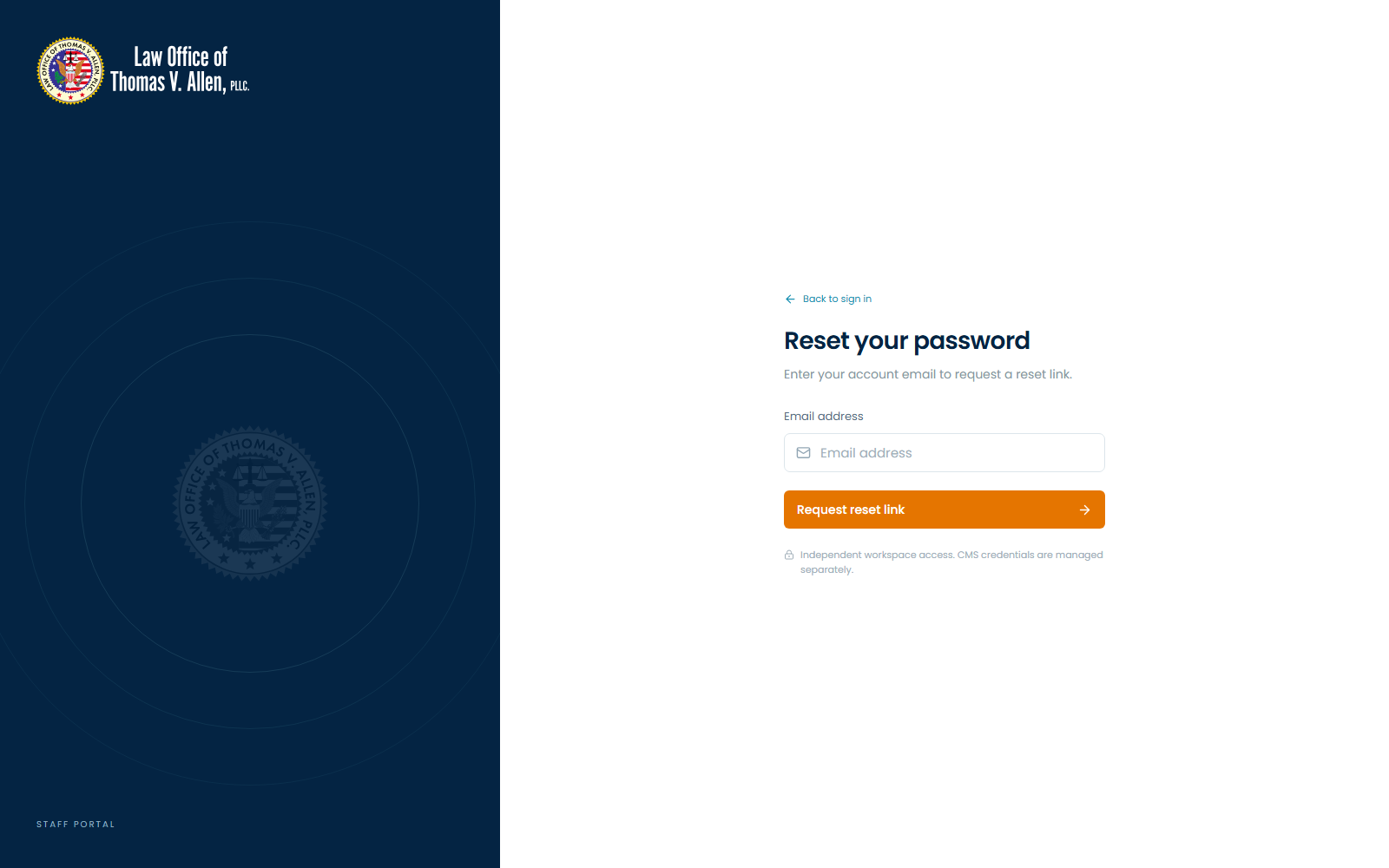
Password recovery

Password recovery

Application screens

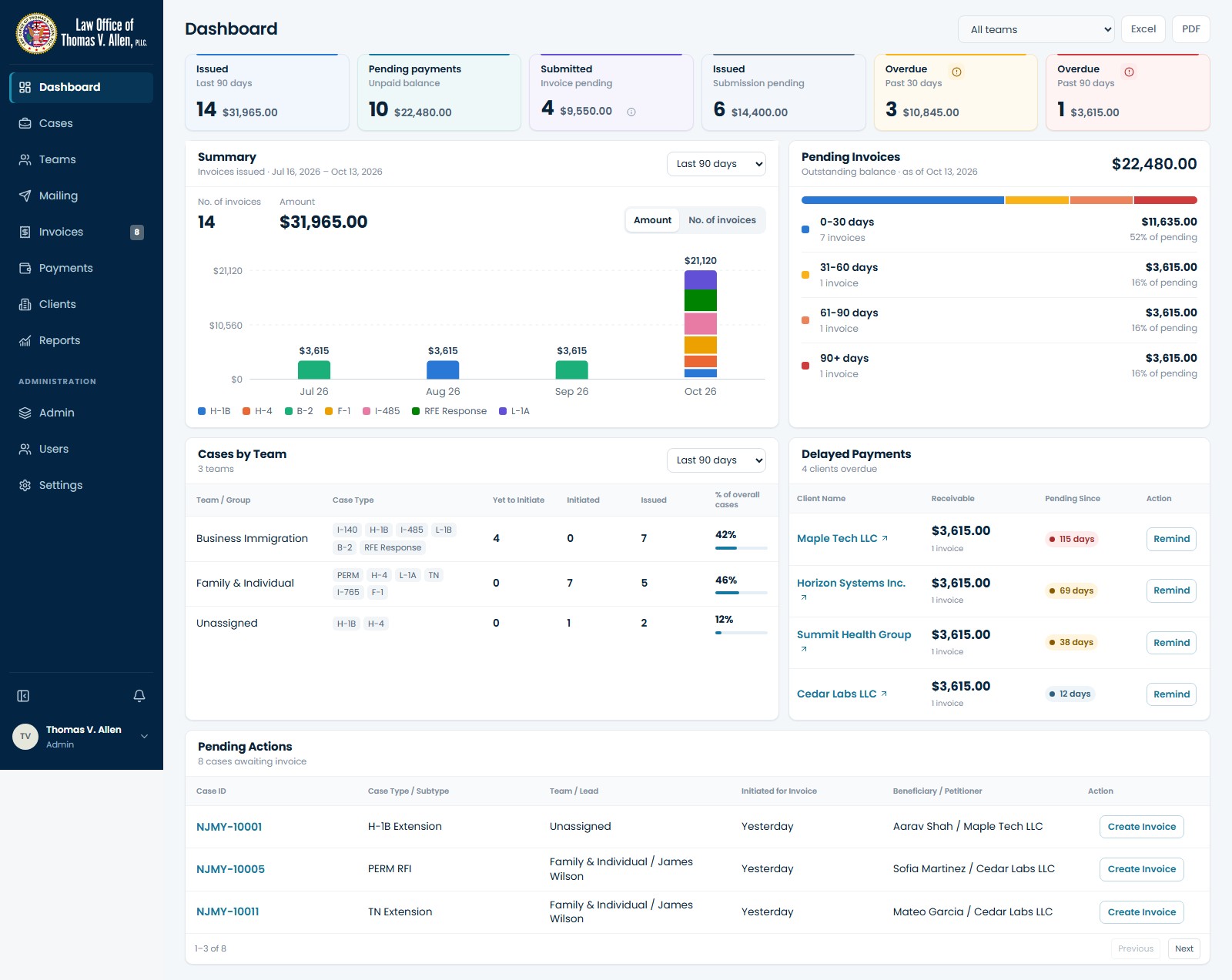
Dashboard

Dashboard

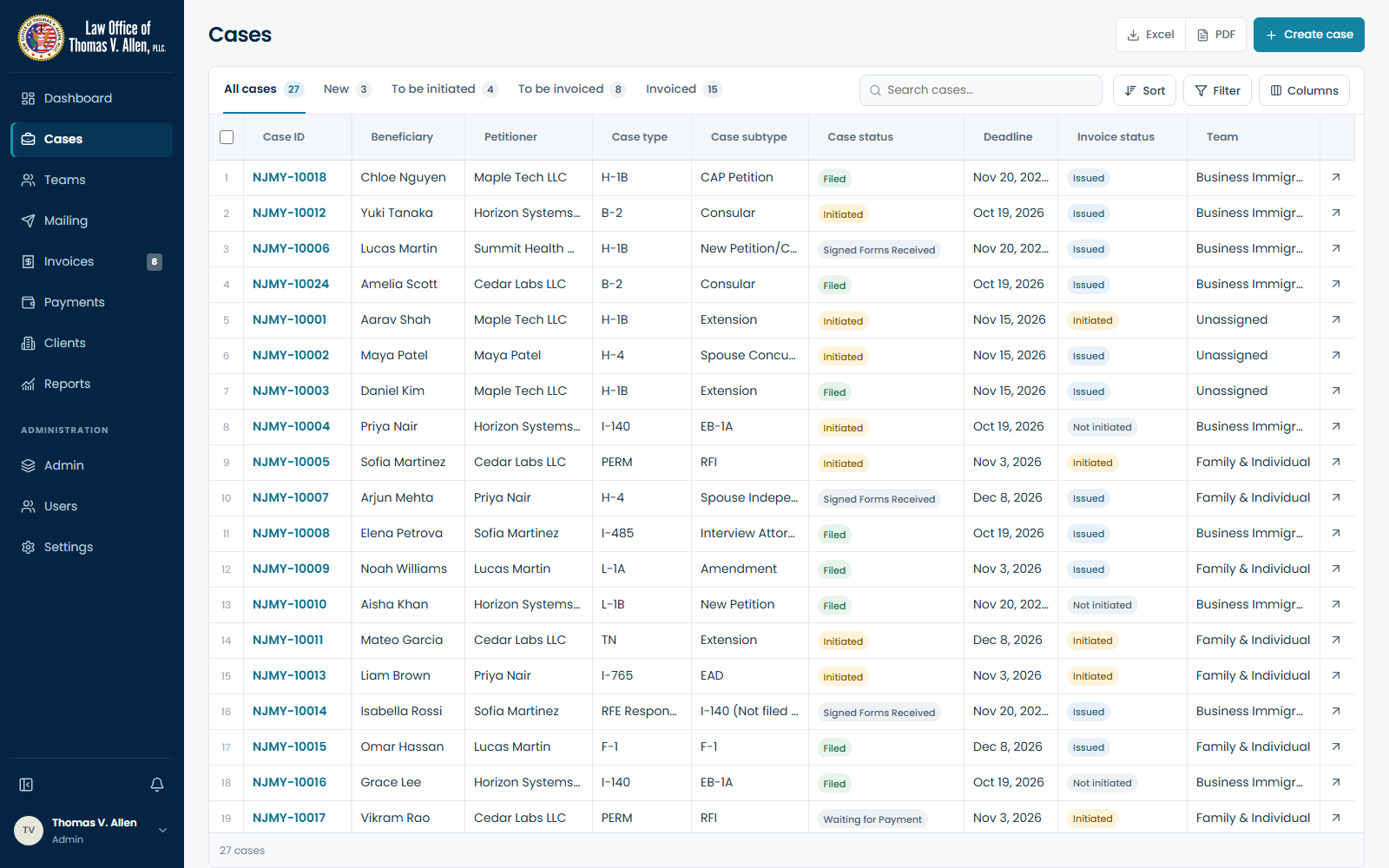
Cases

Cases

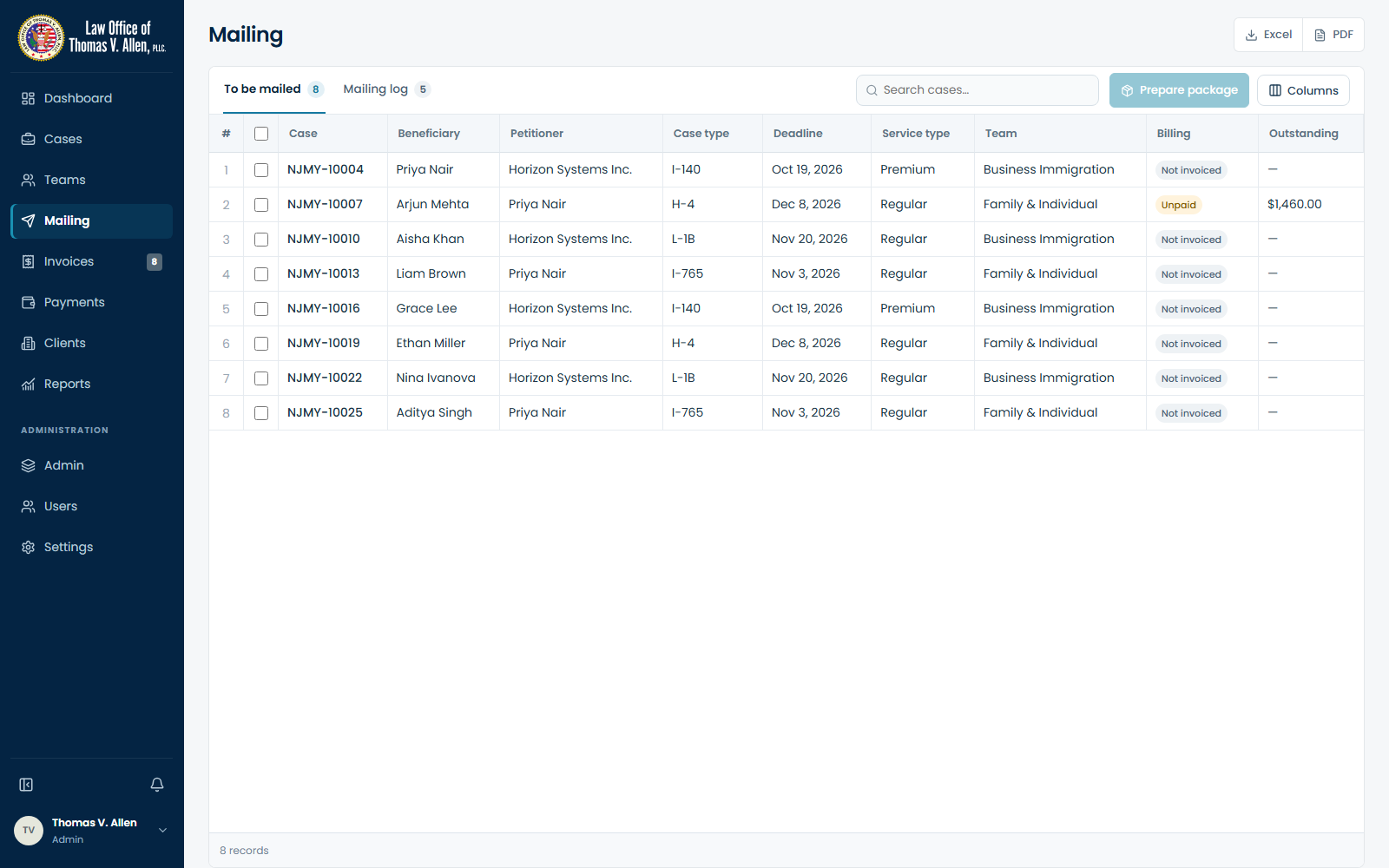
Mailing

Mailing

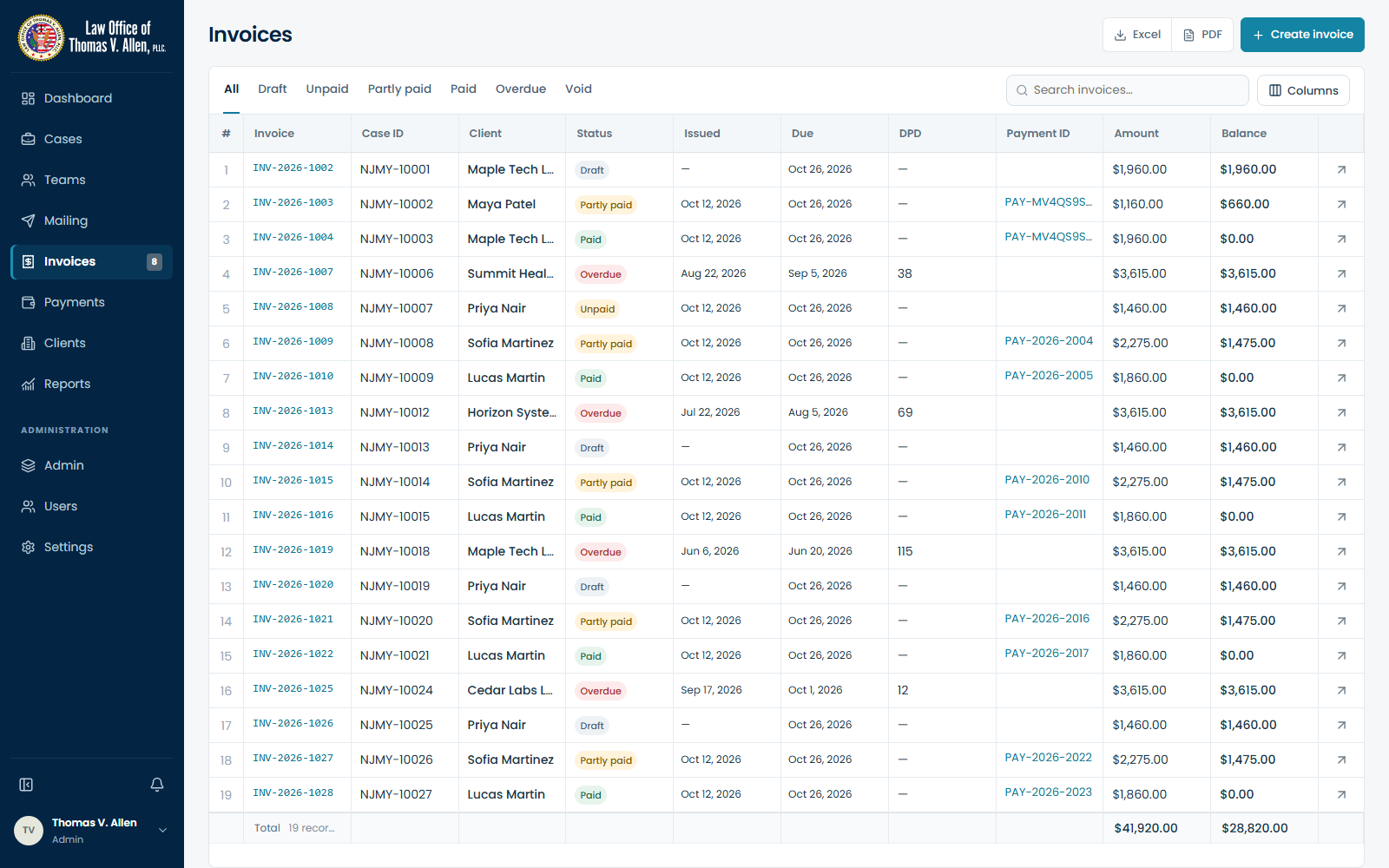
Invoices

Invoices

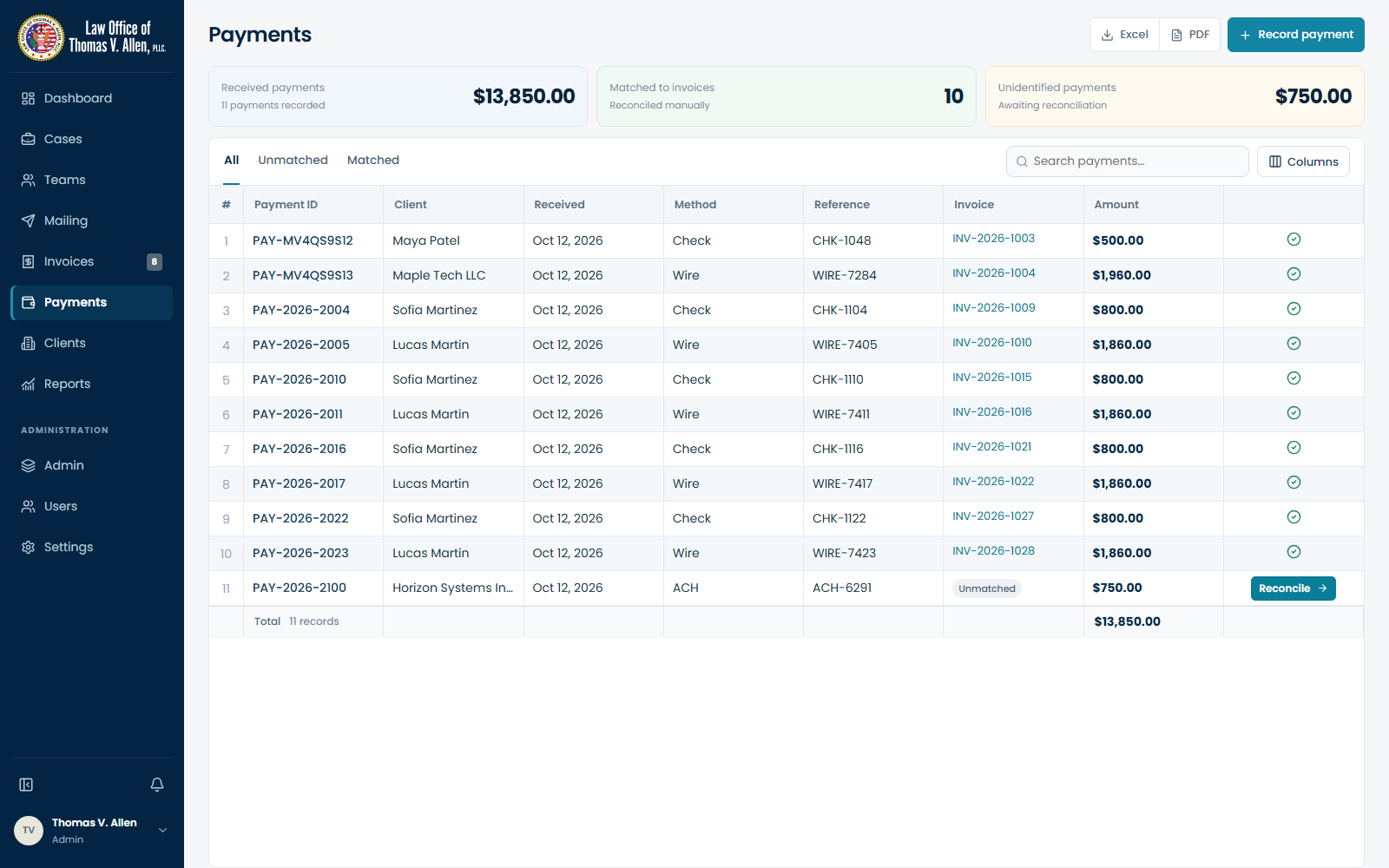
Payments

Payments

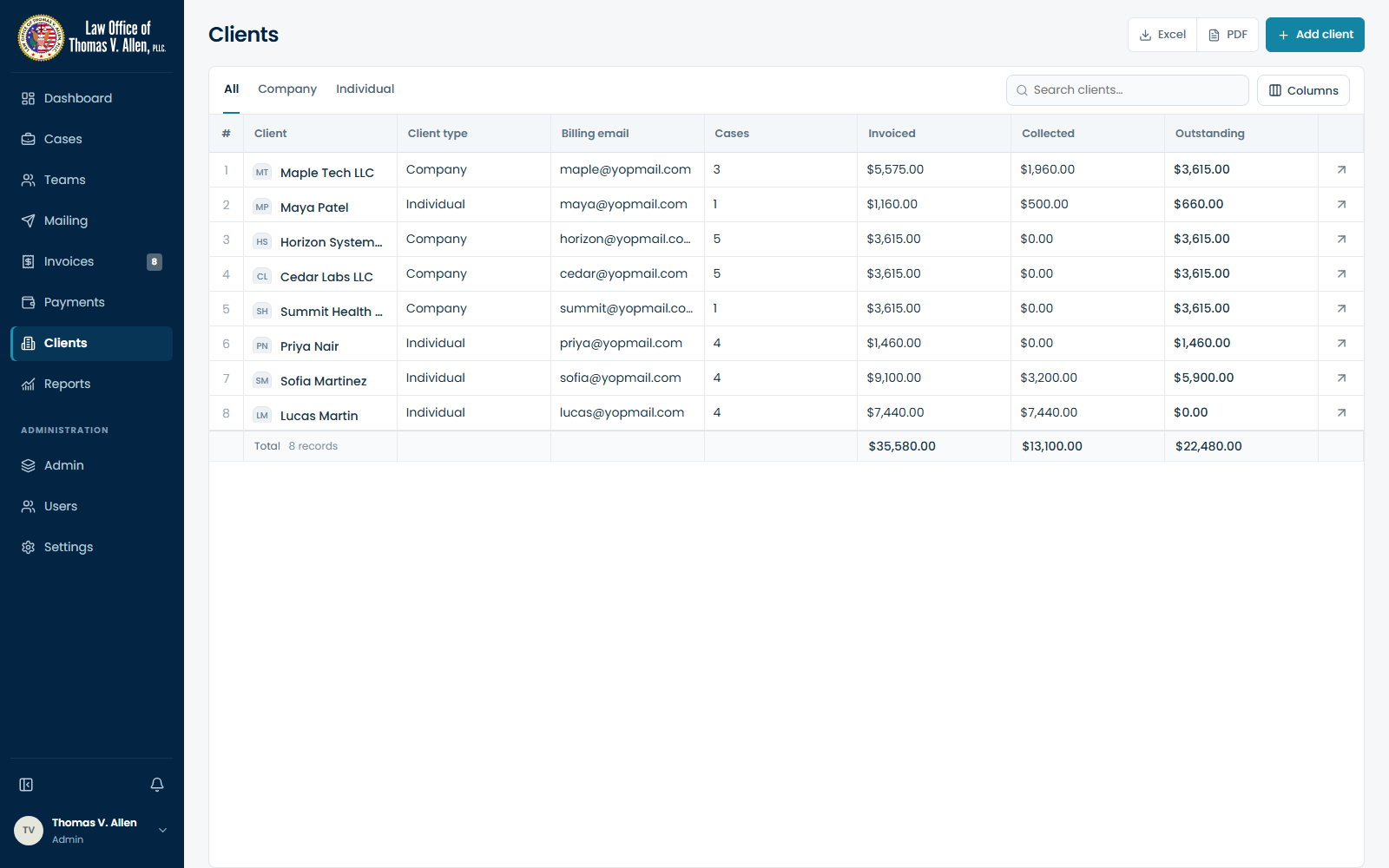
Clients

Clients

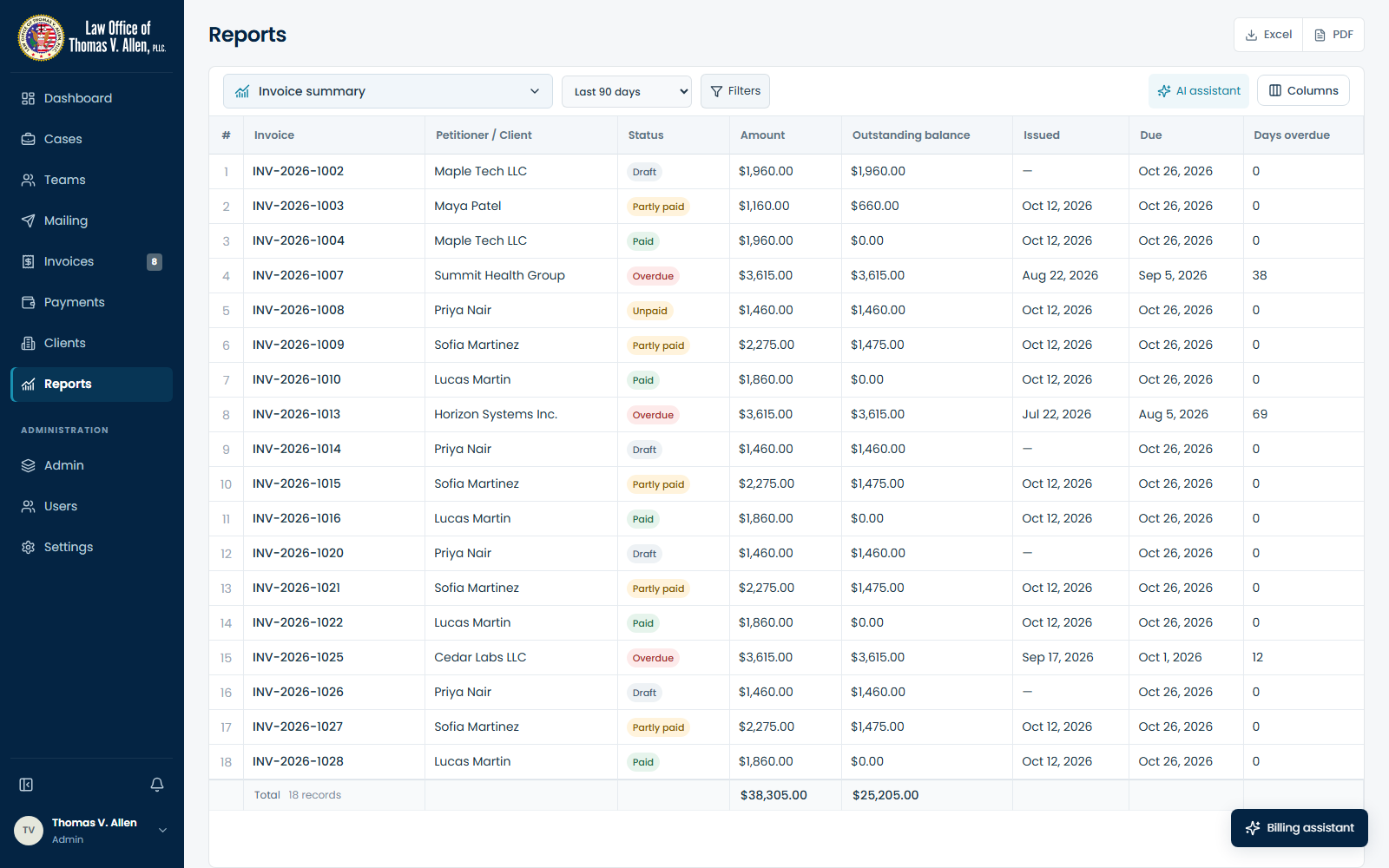
Reports

Reports

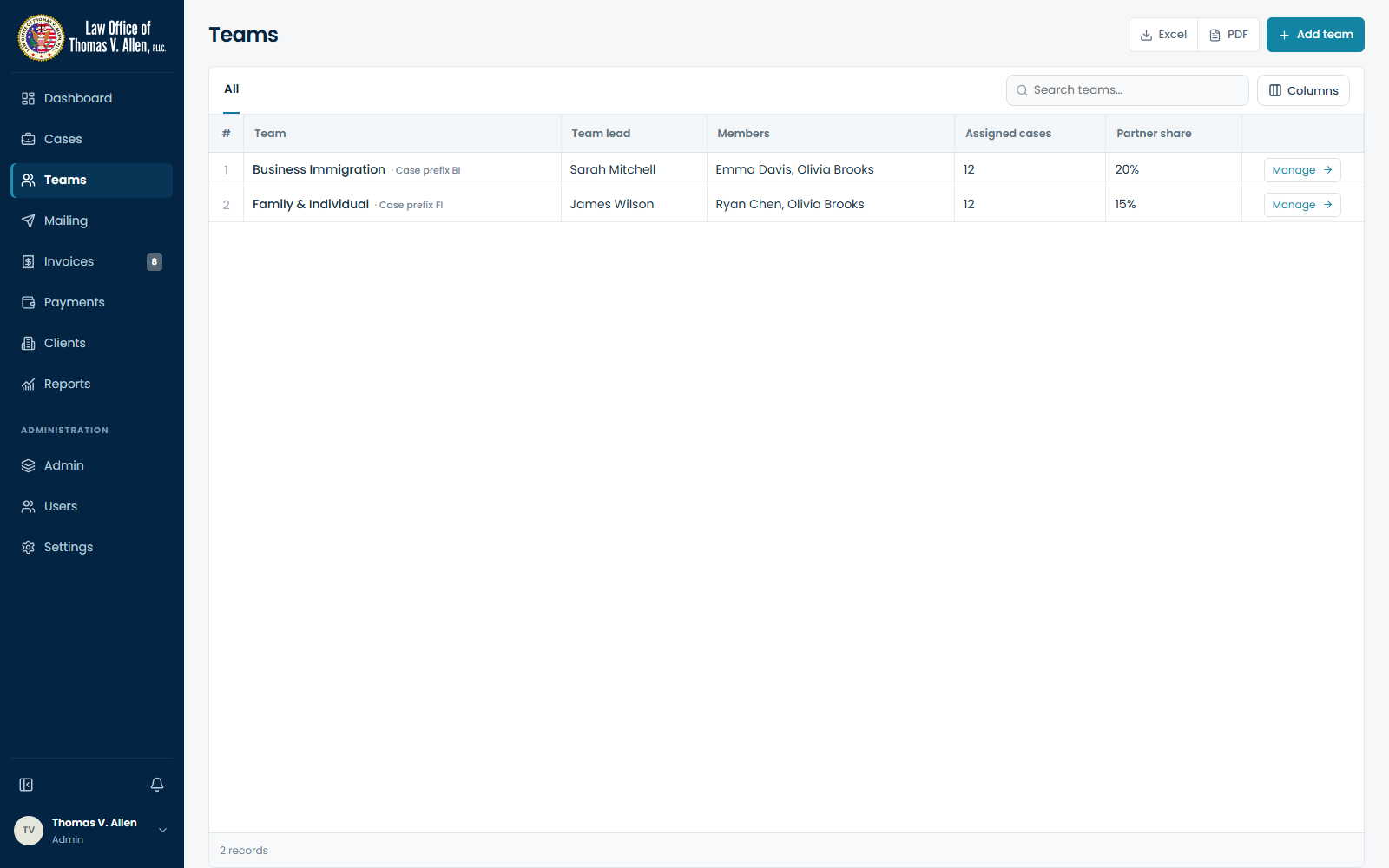
Teams

Teams

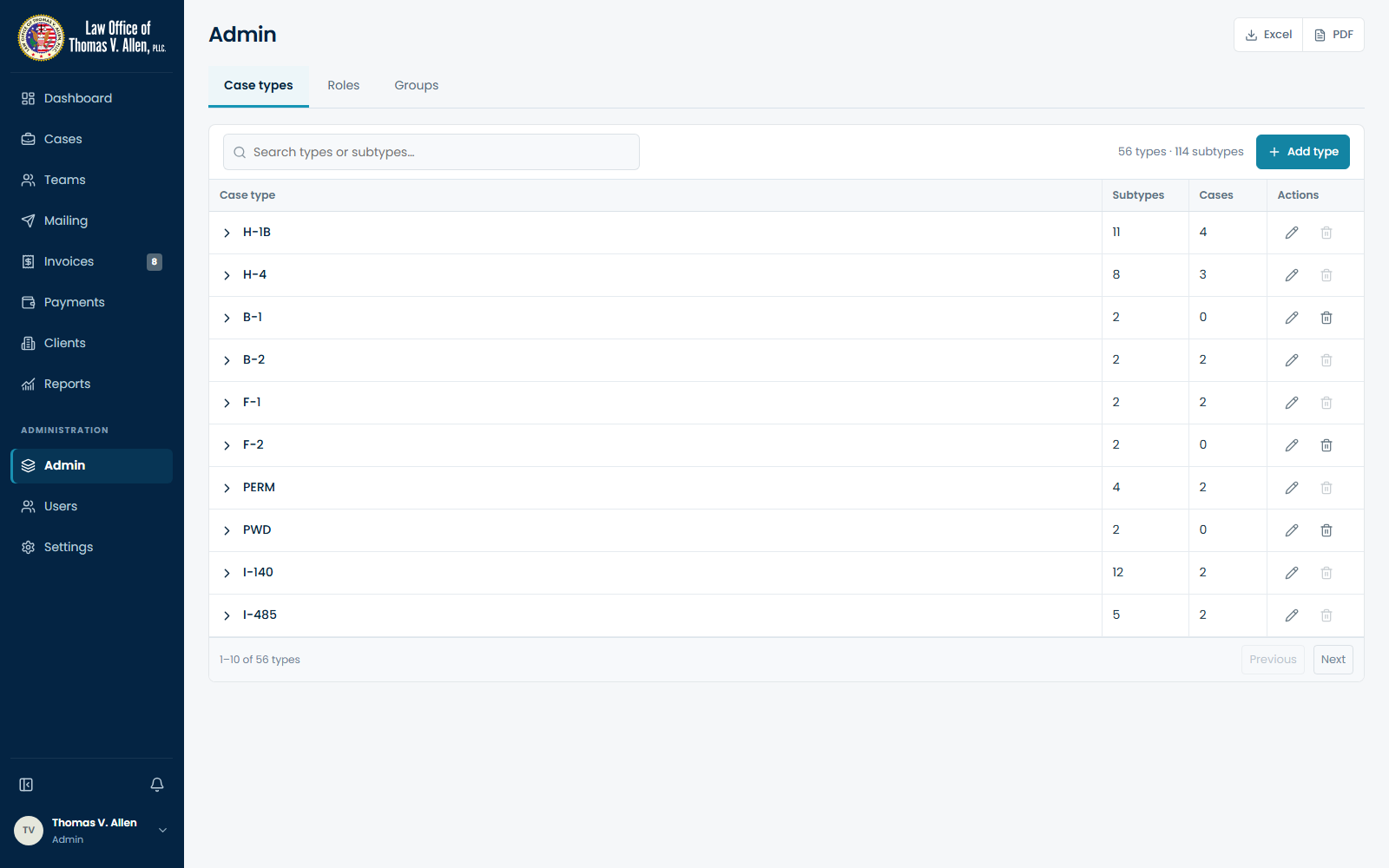
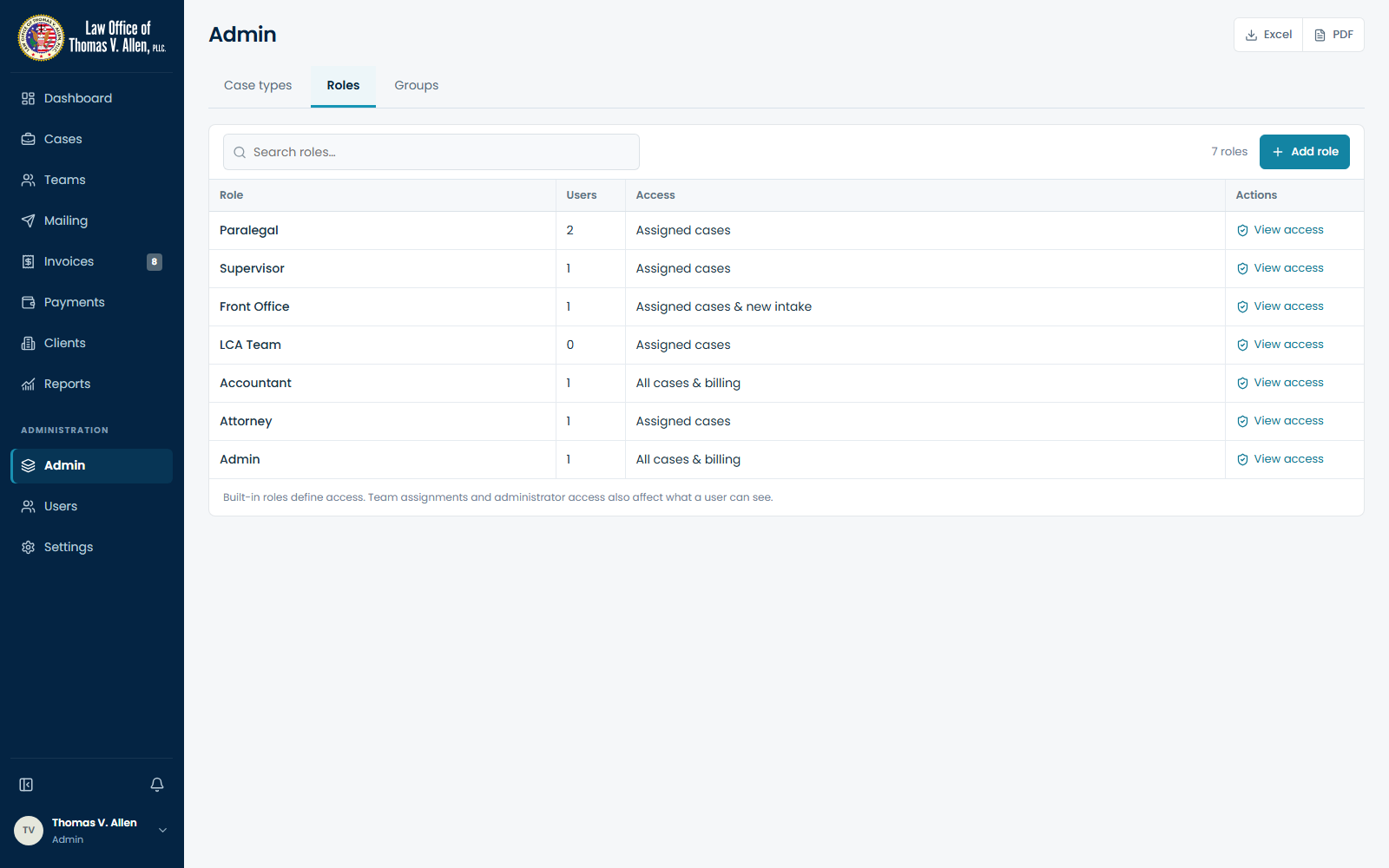
Admin

Admin

Role management

Role management

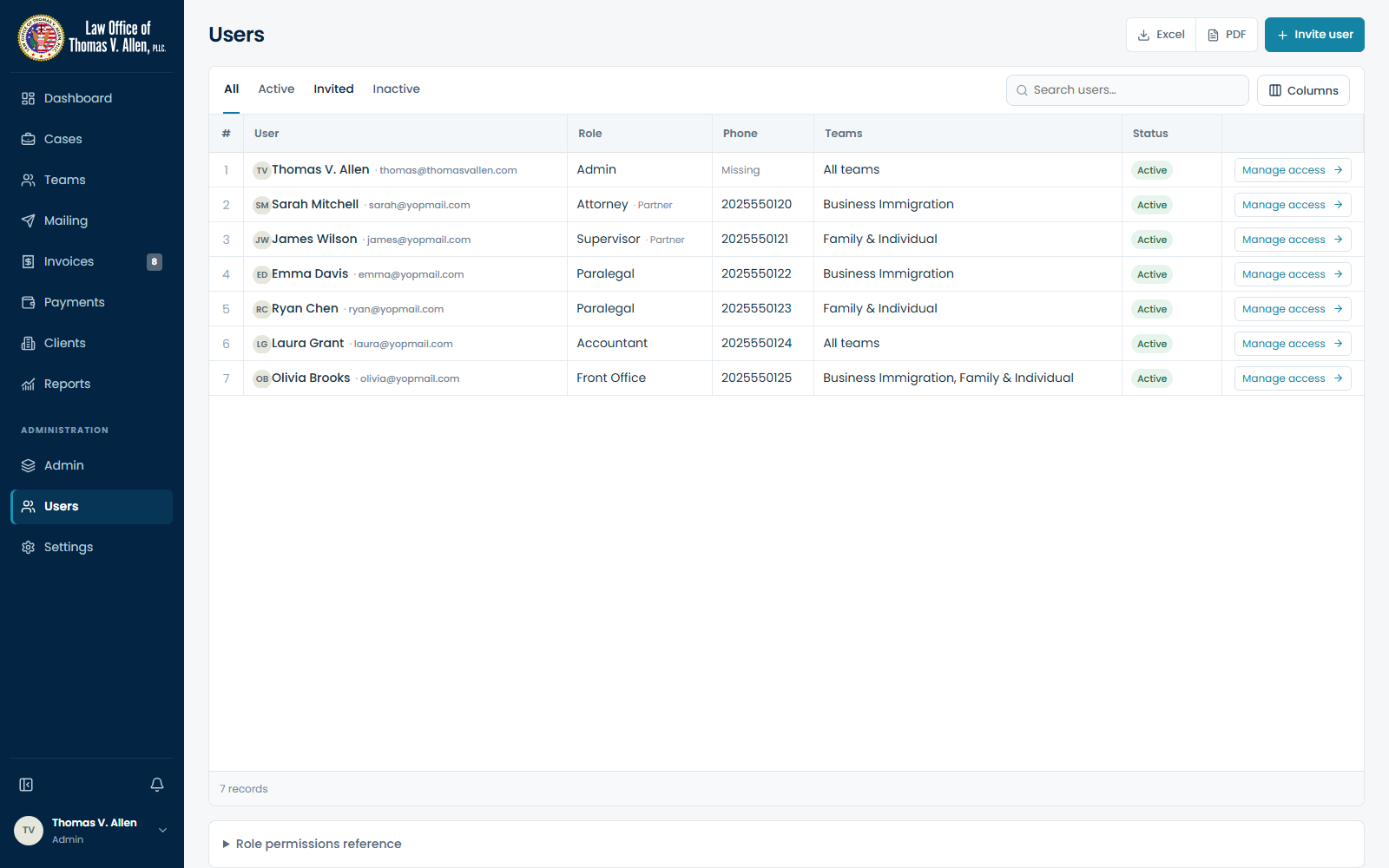
Users

Users

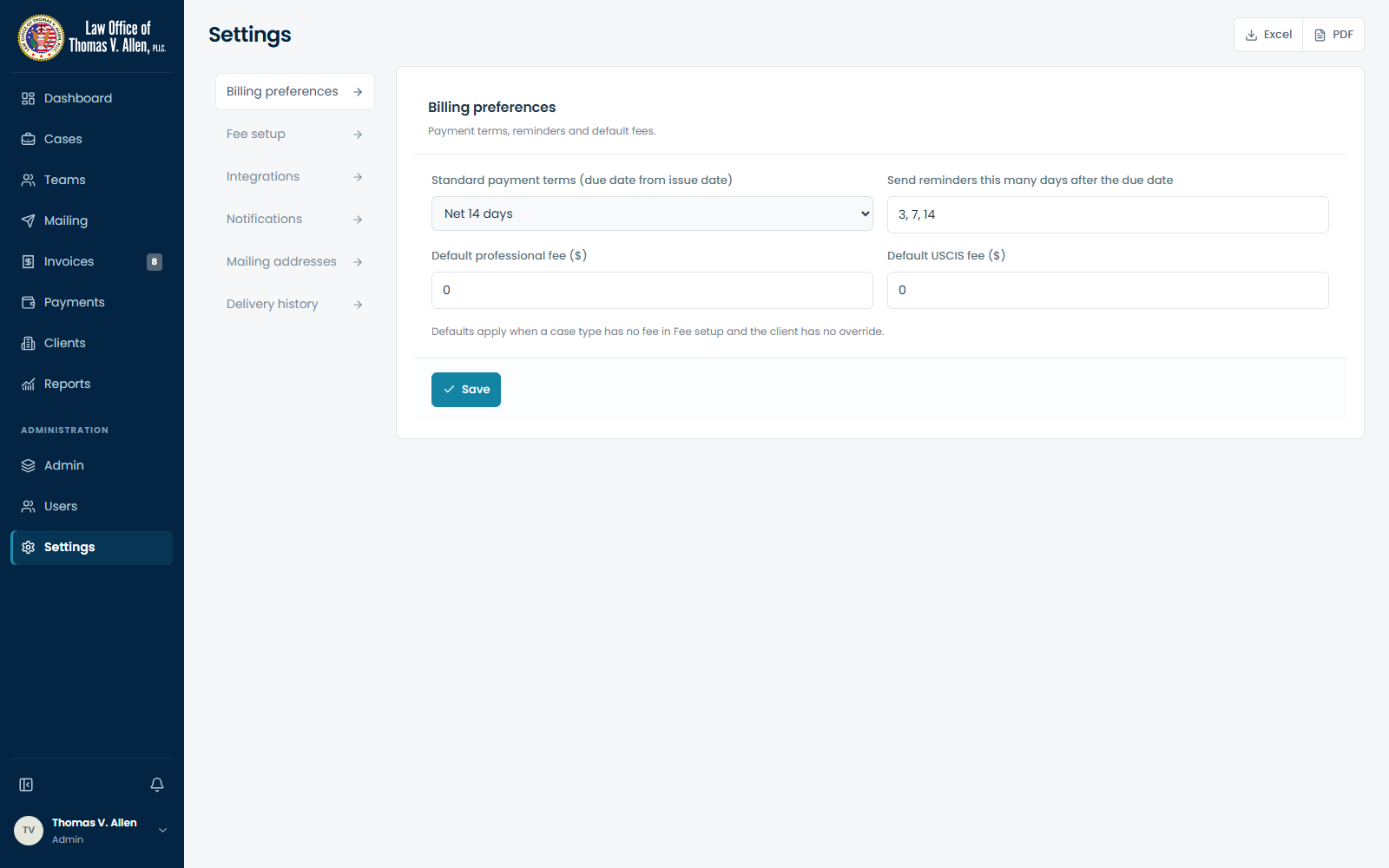
Settings

Settings

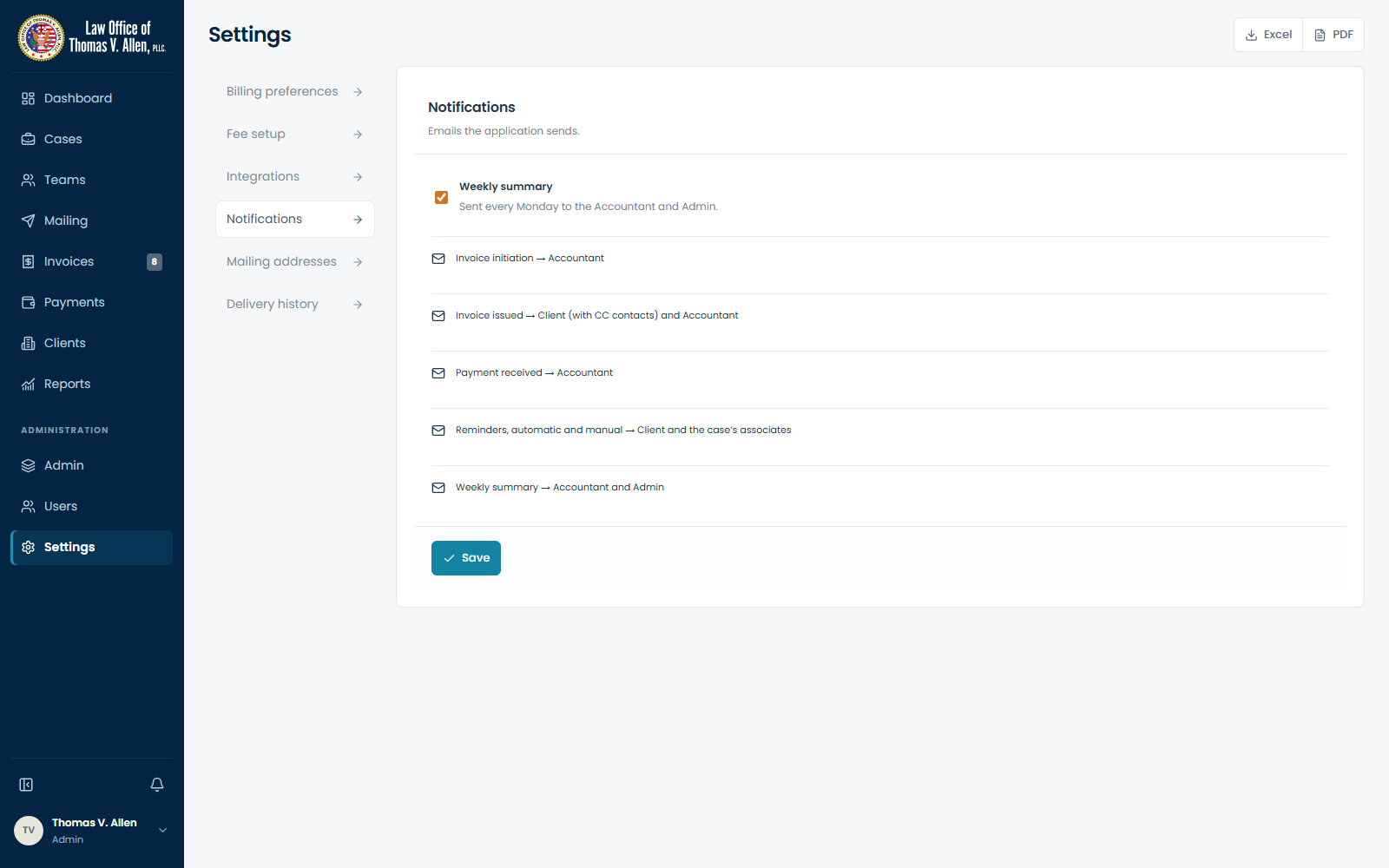
Notifications

Notifications

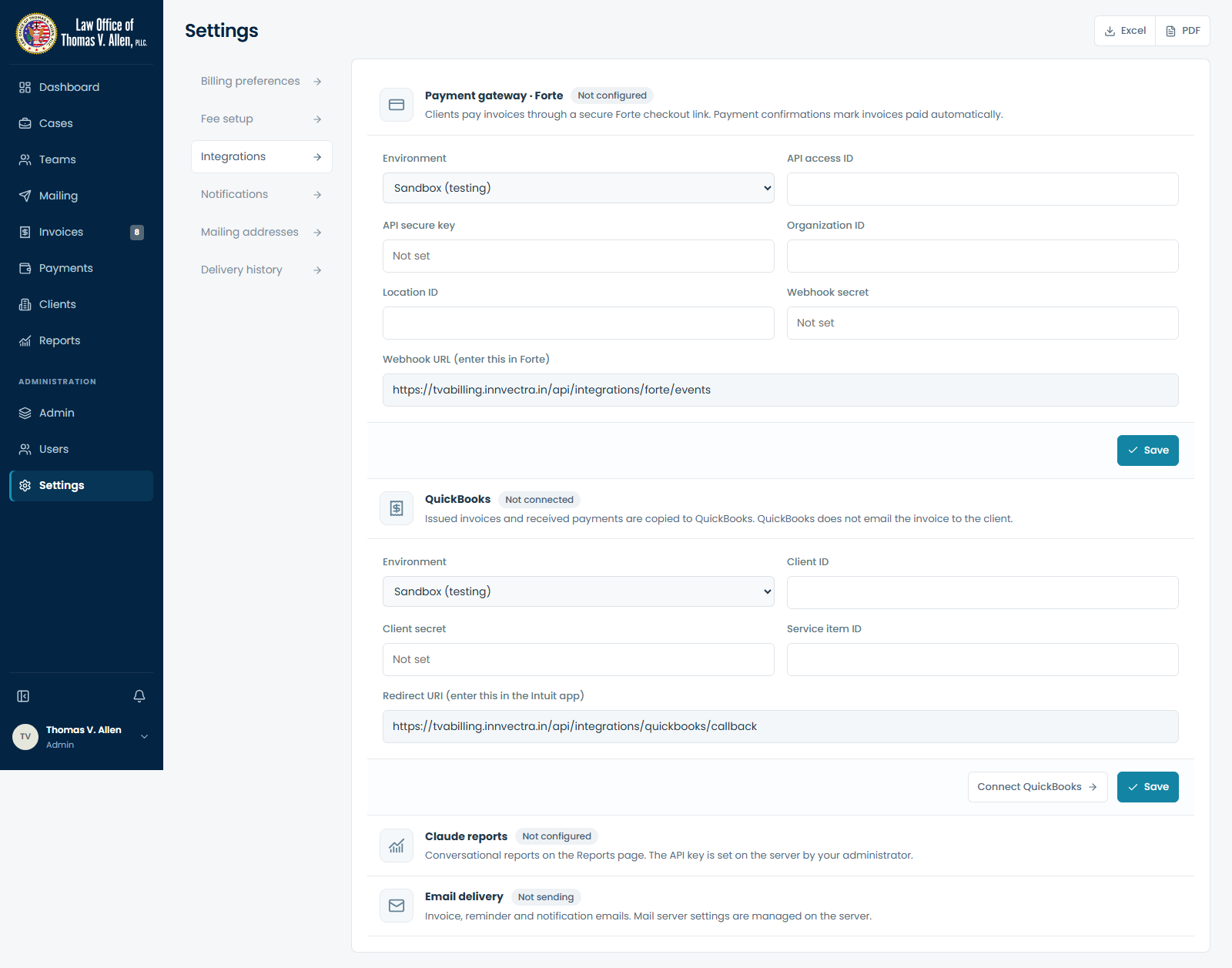
Integrations

Integrations

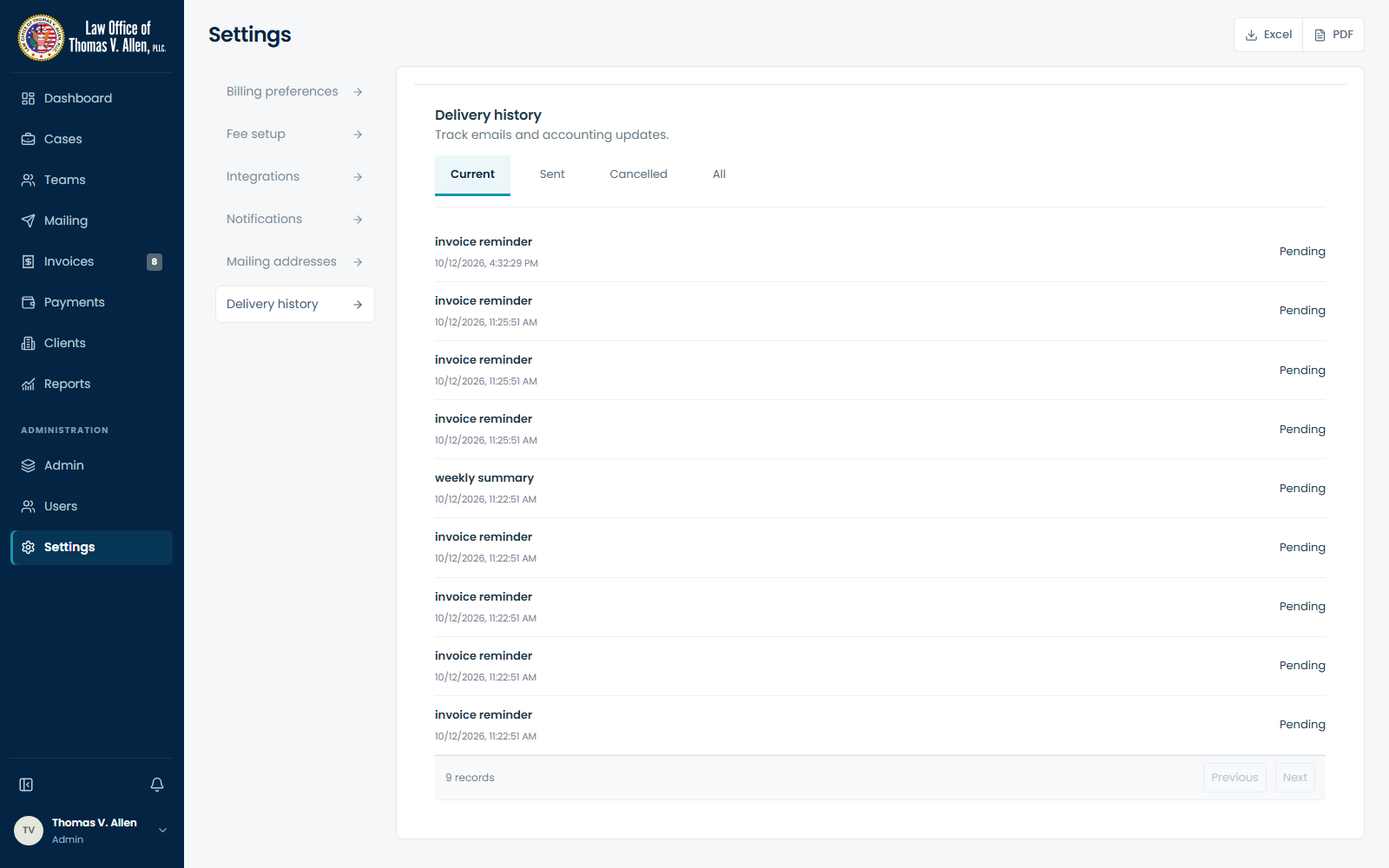
Delivery history

Delivery history

Full billing journey

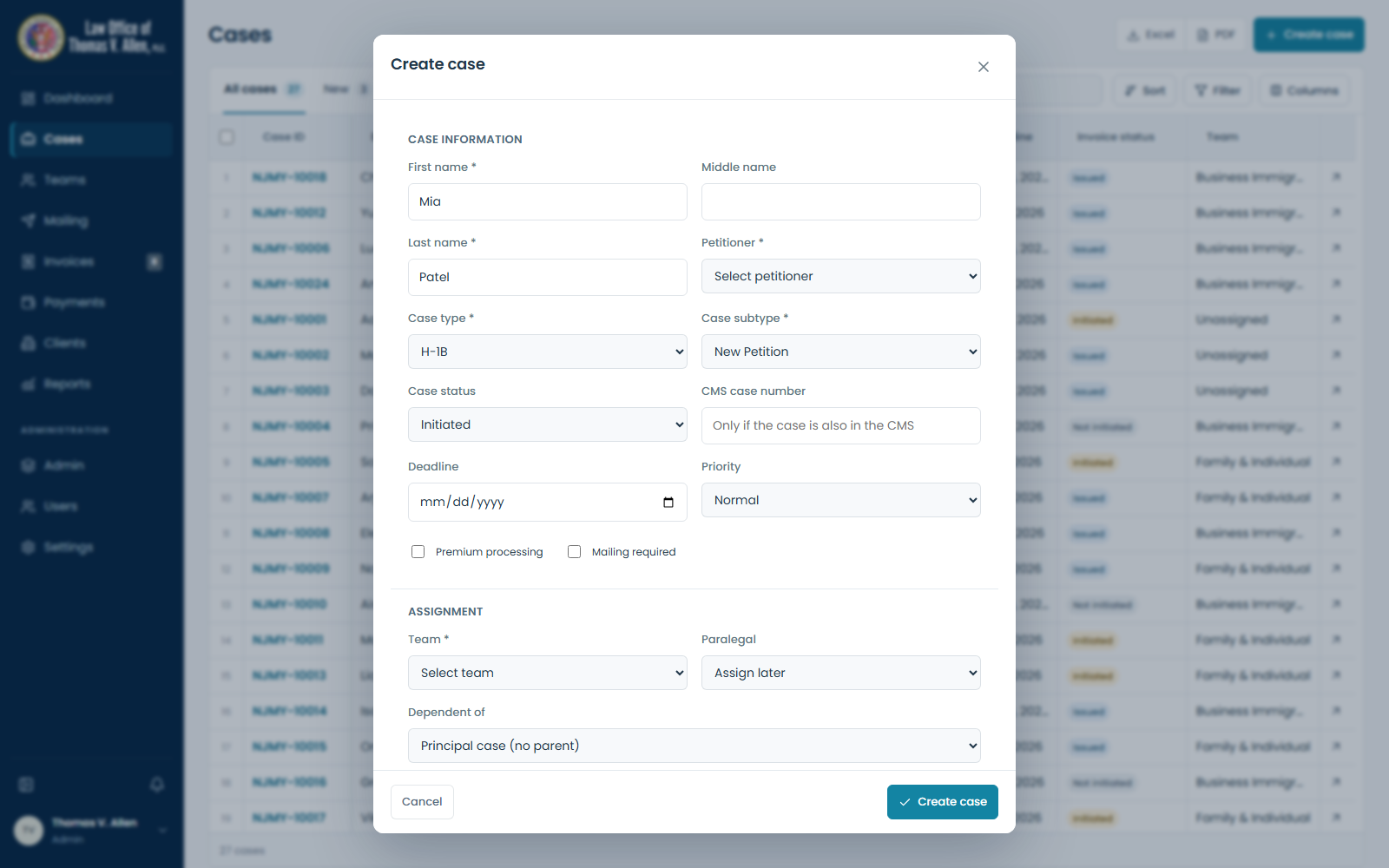
01 — Case intake

01 — Case intake

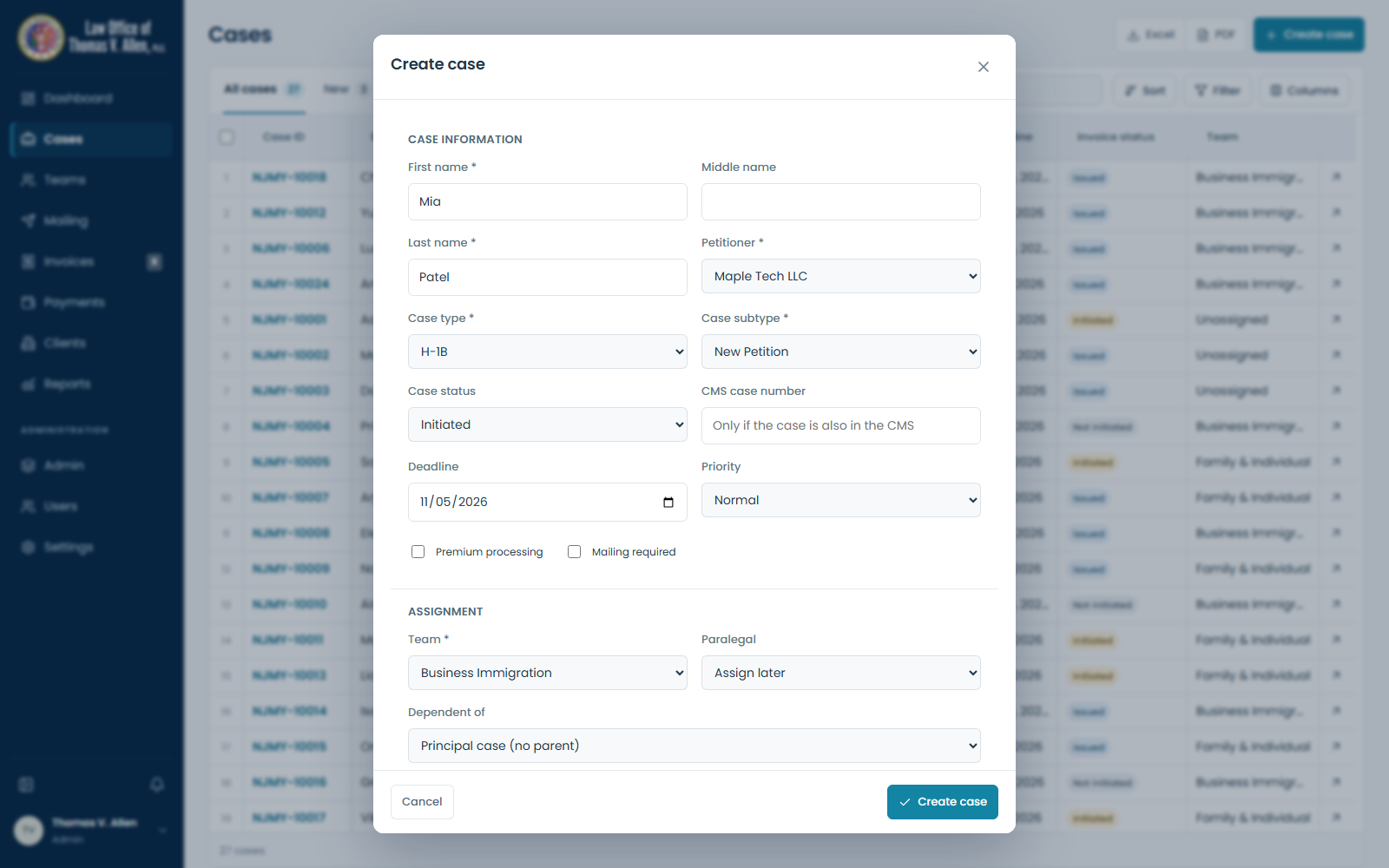
02 — Team assignment

02 — Team assignment

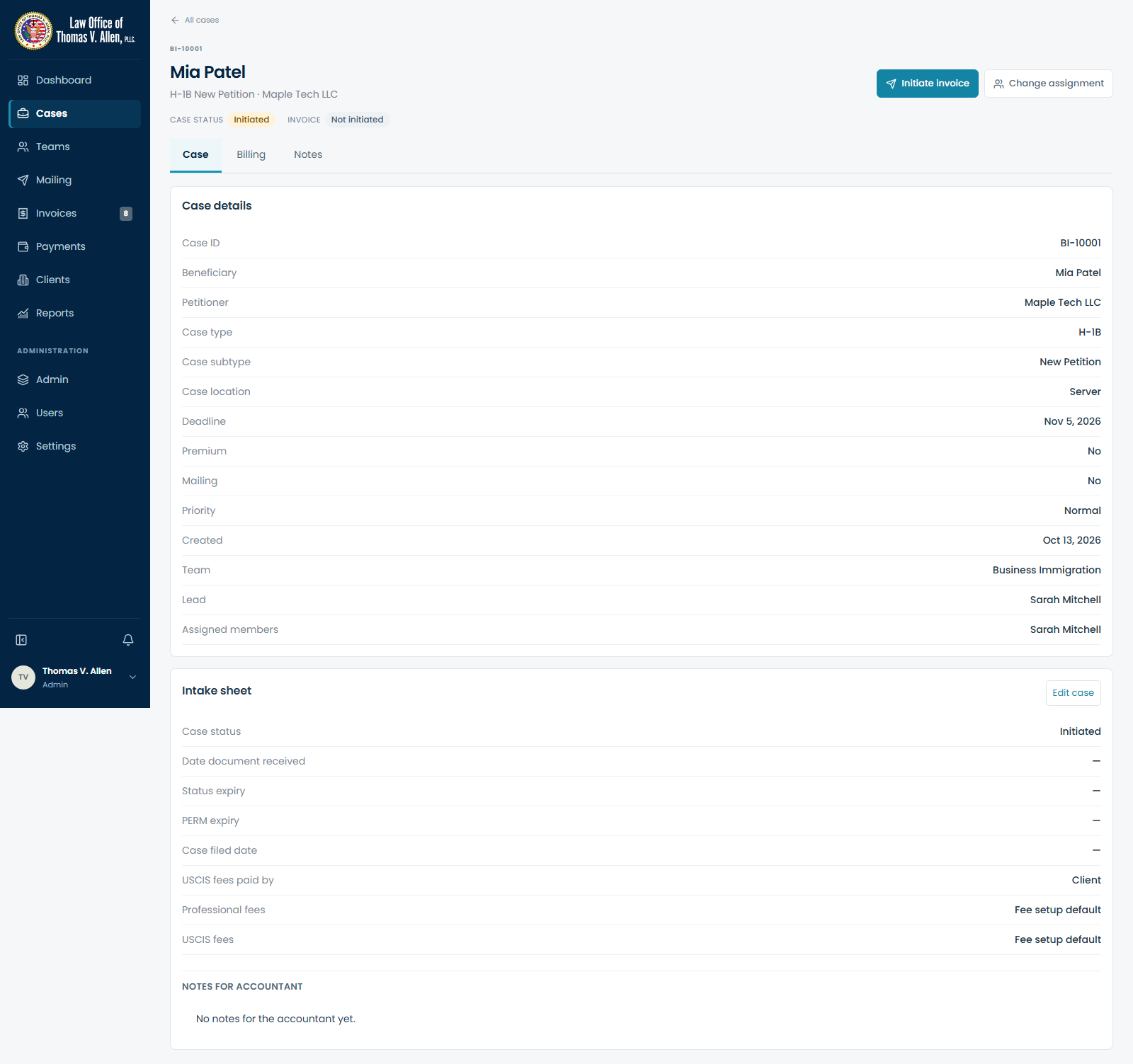
03 — Created case

03 — Created case

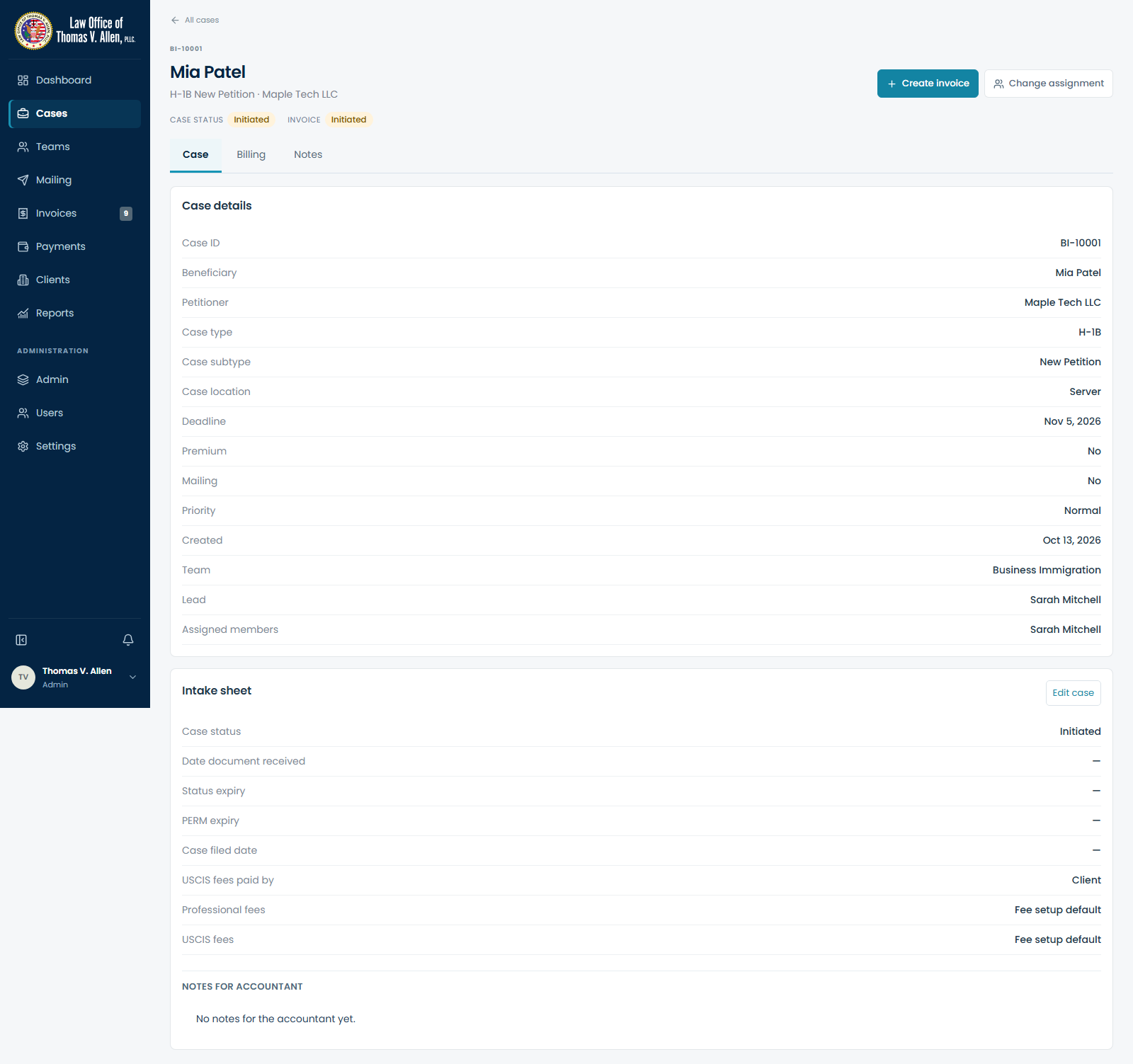
04 — Invoice requested

04 — Invoice requested

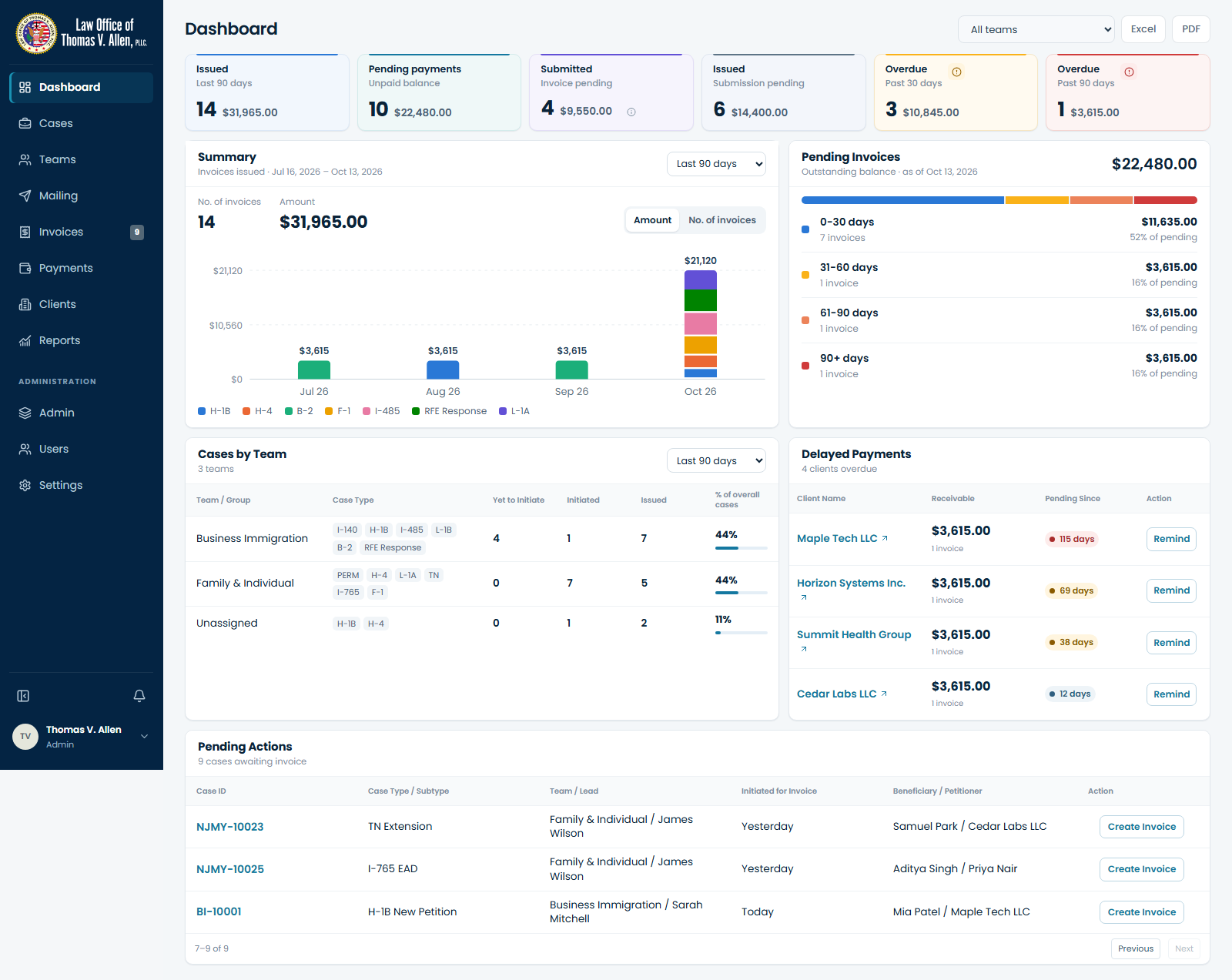
05 — Accountant pending actions

05 — Accountant pending actions

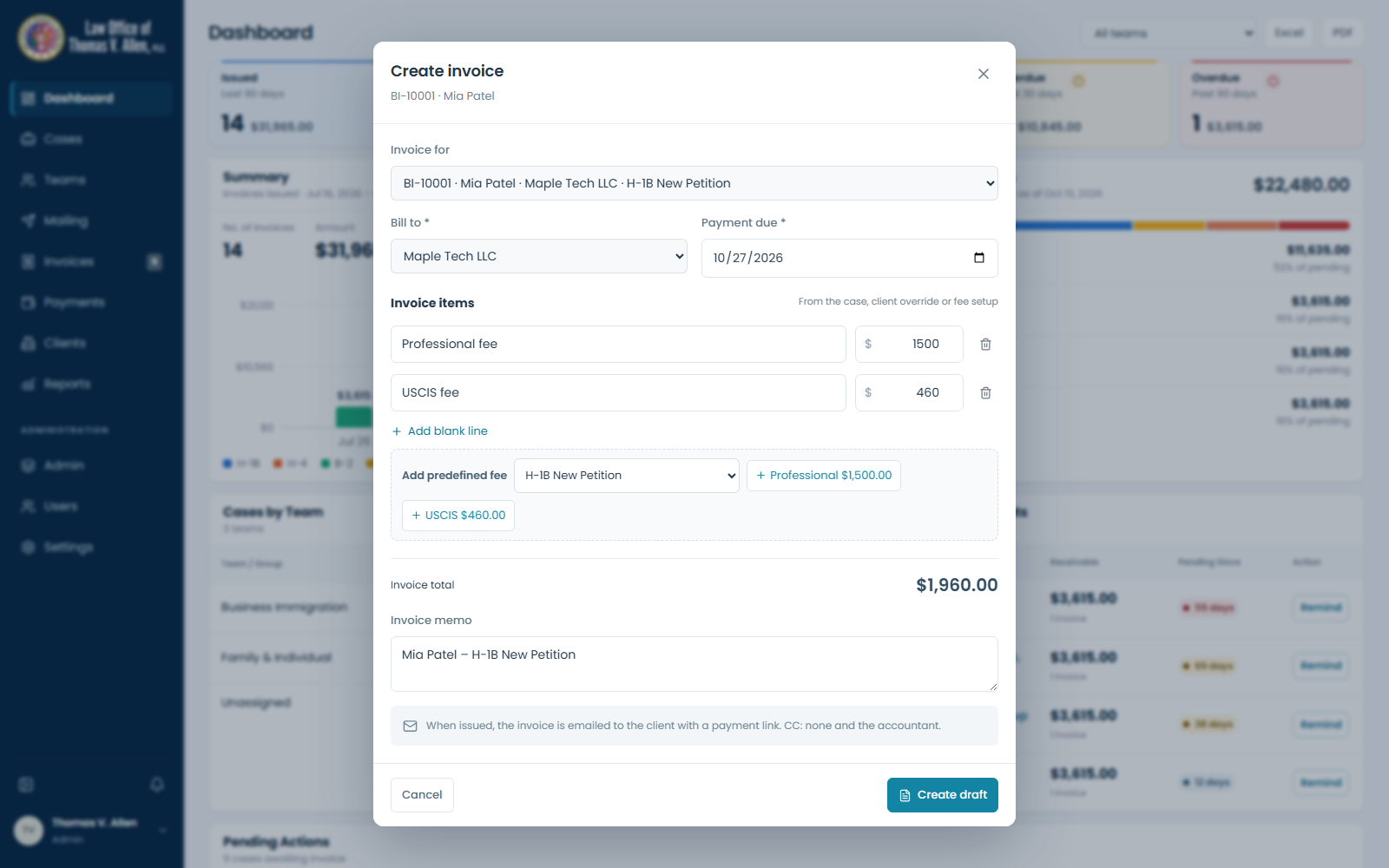
06 — Invoice fees and due date

06 — Invoice fees and due date

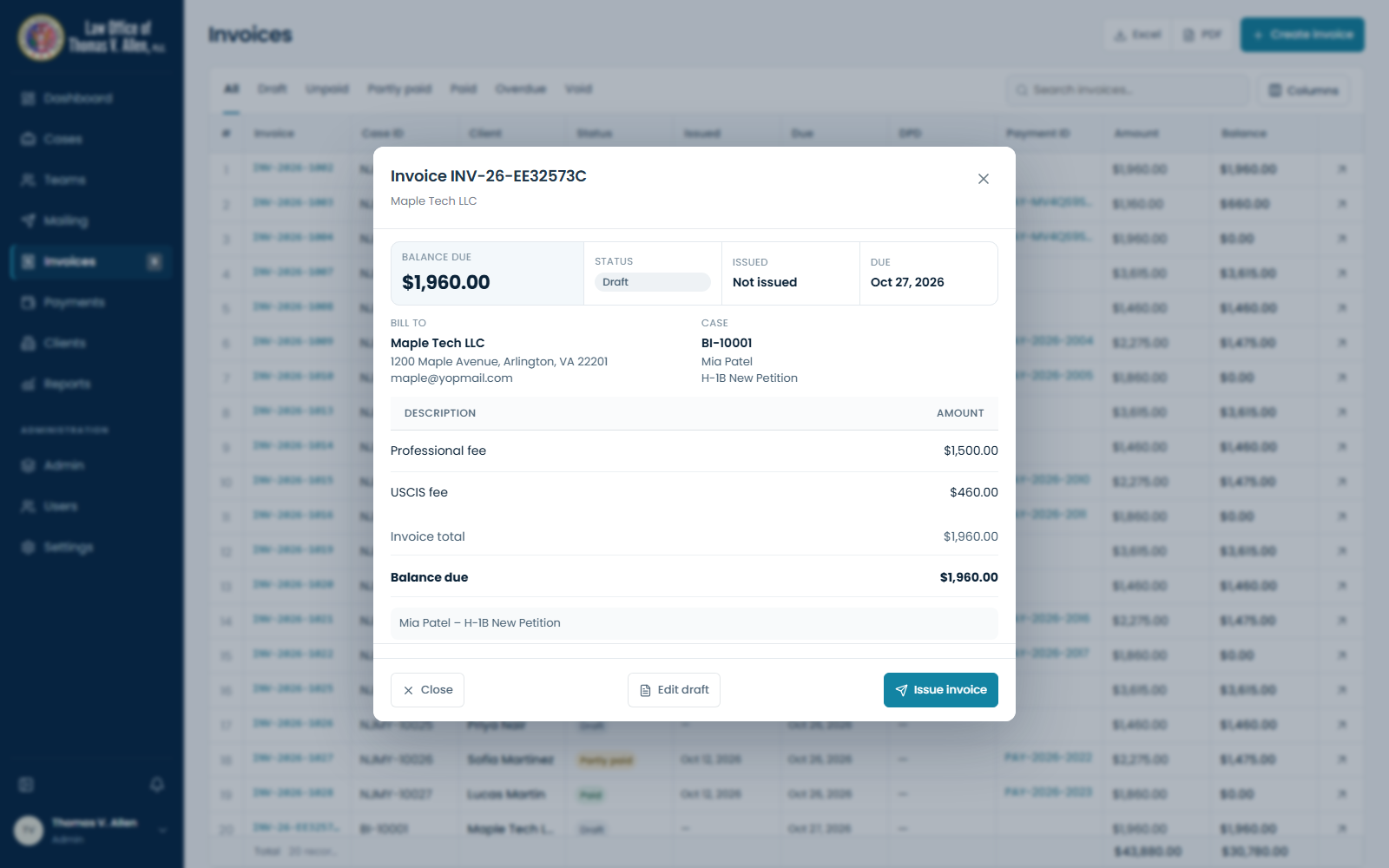
07 — Invoice draft

07 — Invoice draft

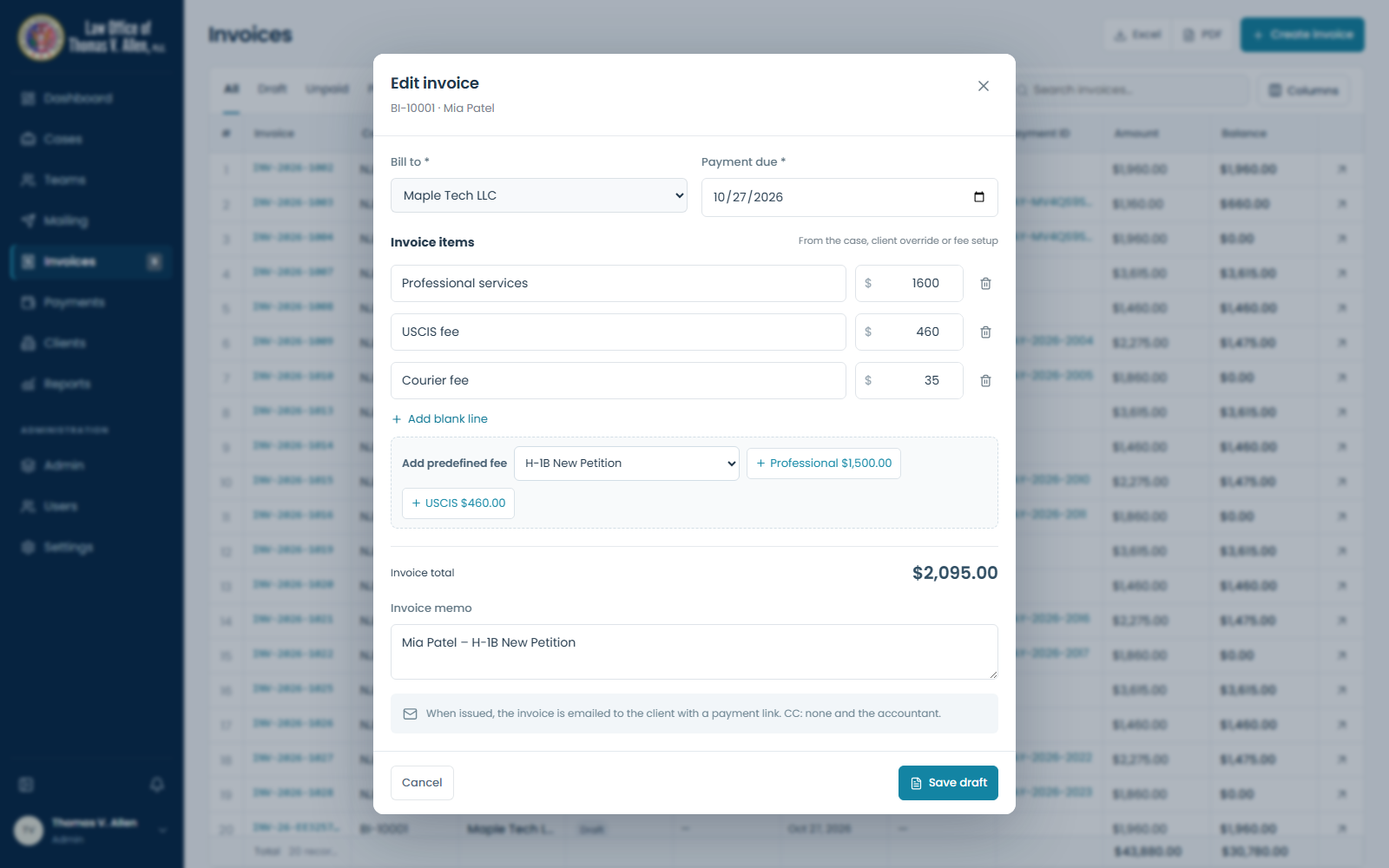
07a — Edit draft and add fee rows

07a — Edit draft and add fee rows

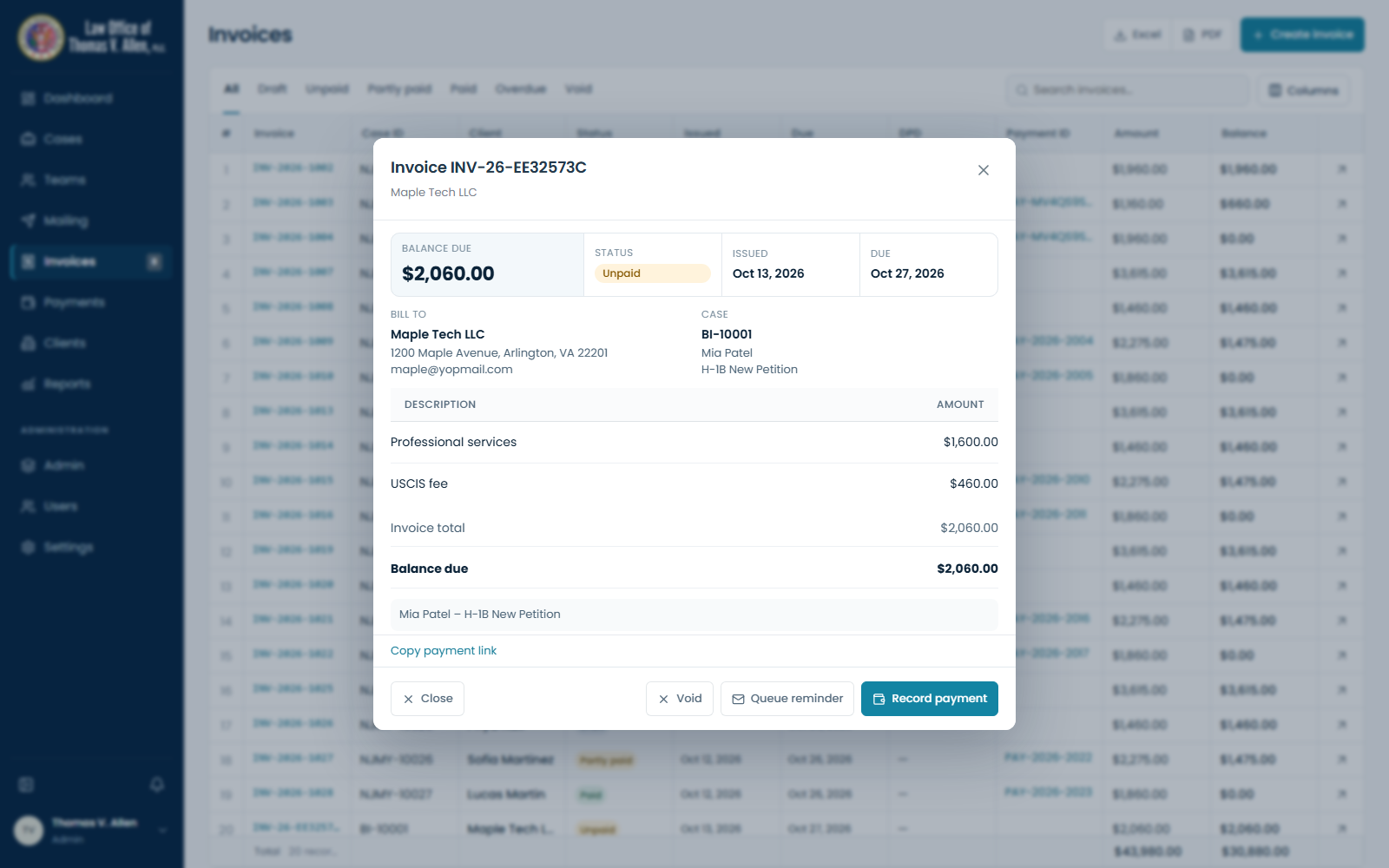
08 — Issued invoice

08 — Issued invoice

Client email and payment

09 — Client invoice email

Generated from the actual email template; not sent. The payment link opens a presentation preview.
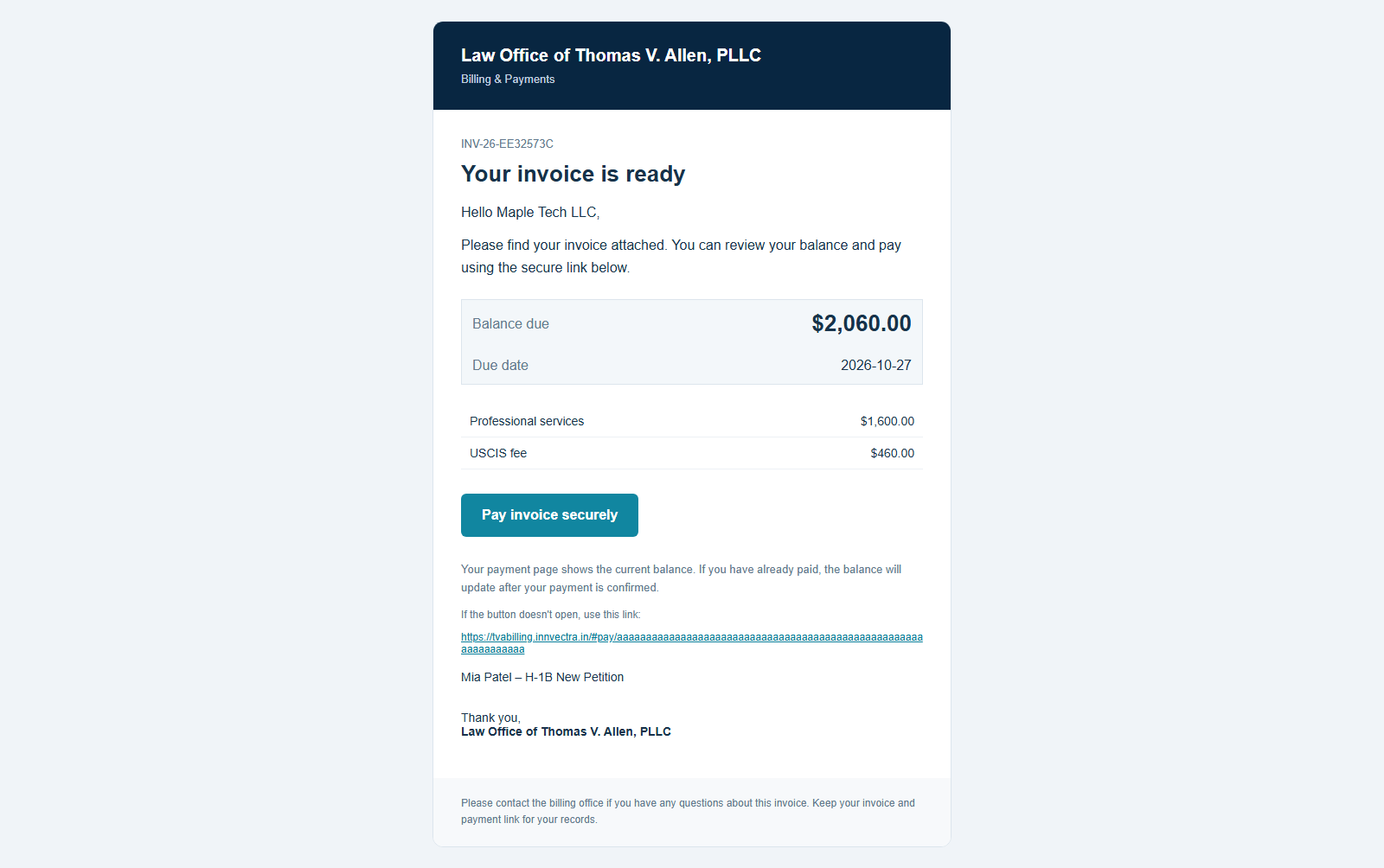
09 — Client invoice email

10 — Client payment page

Payment page preview; no gateway charge performed.
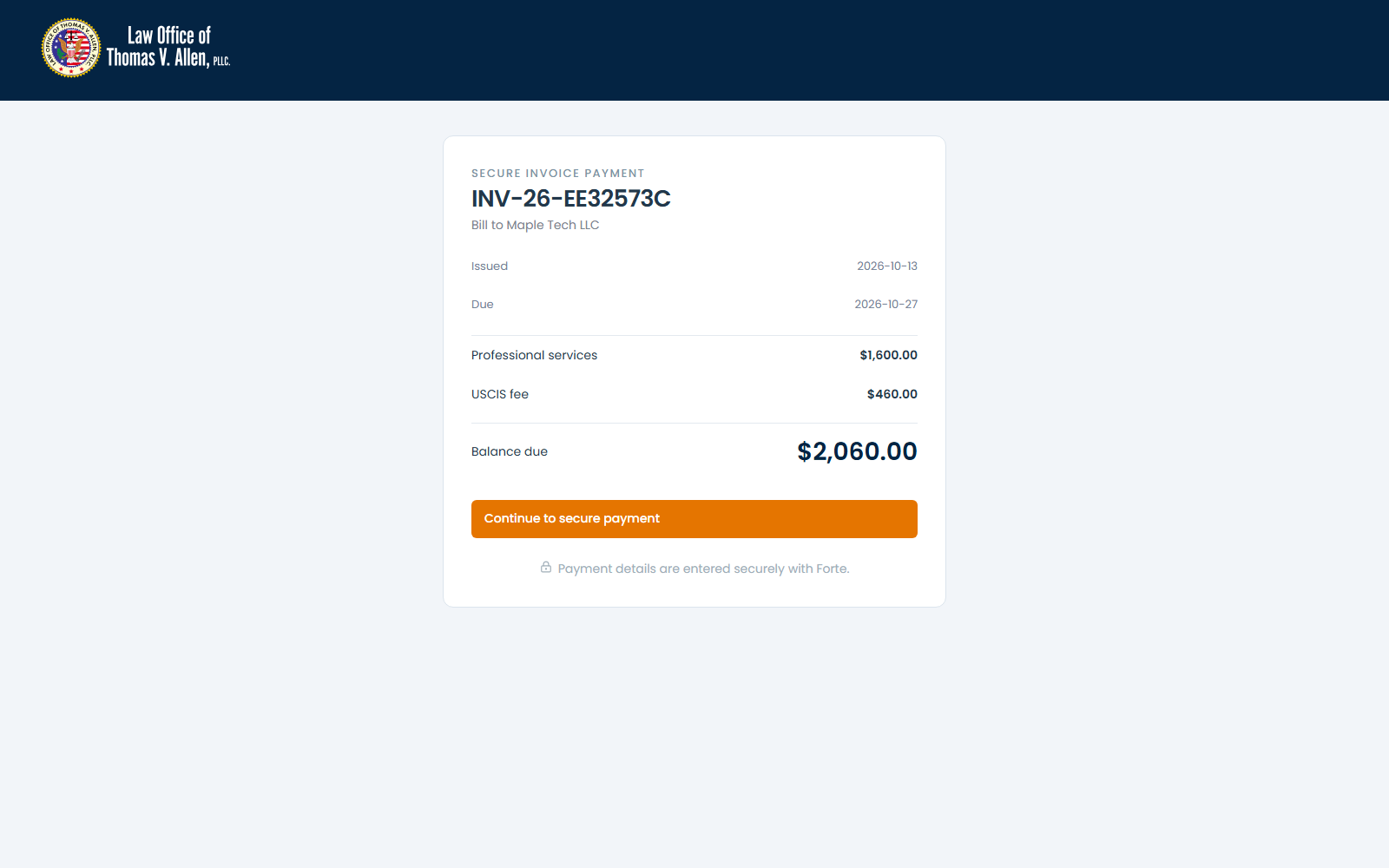
10 — Client payment page

11 — Client paid confirmation

Illustrates the confirmed-payment view; no real transaction.
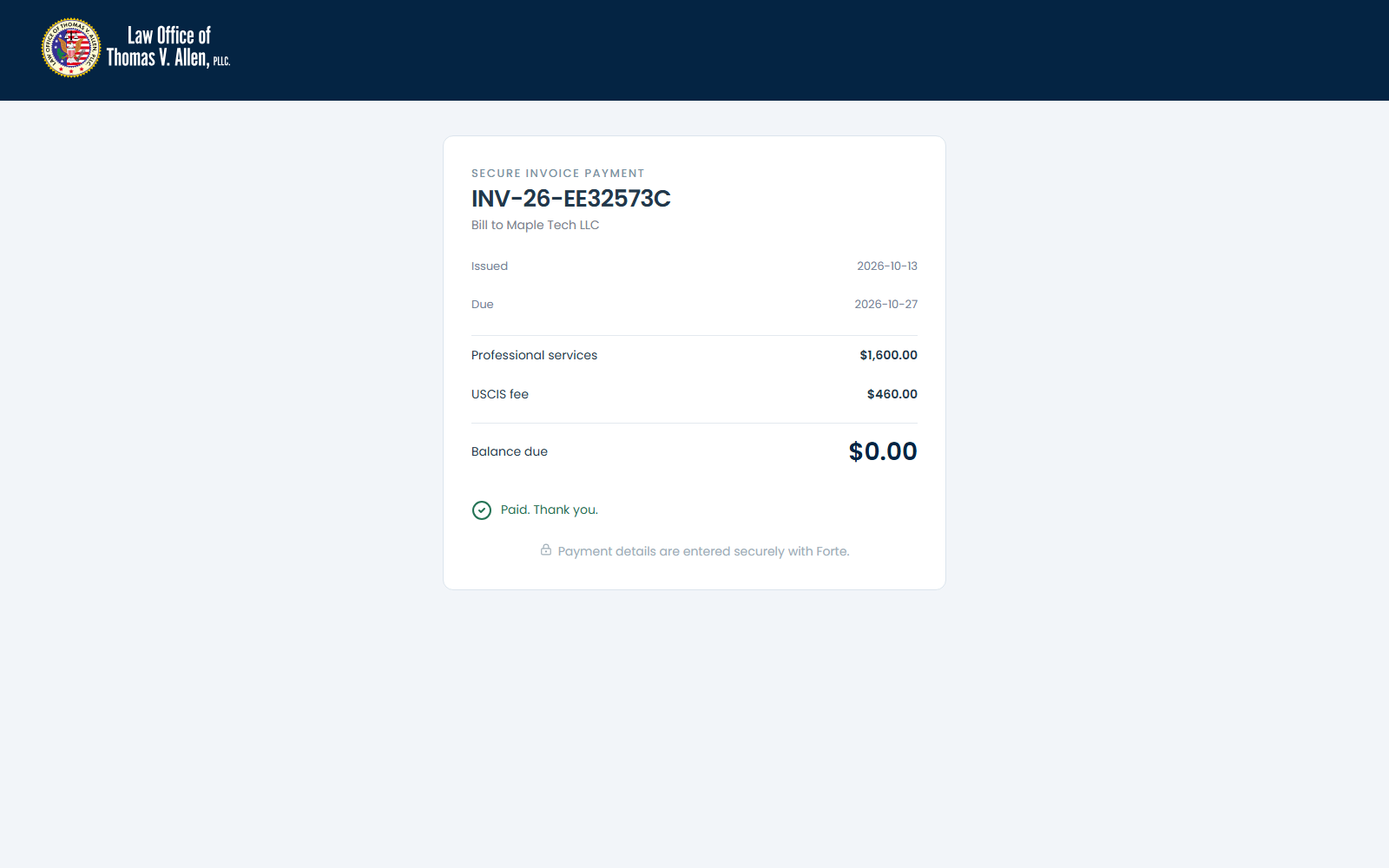
11 — Client paid confirmation

Follow-up and reconciliation

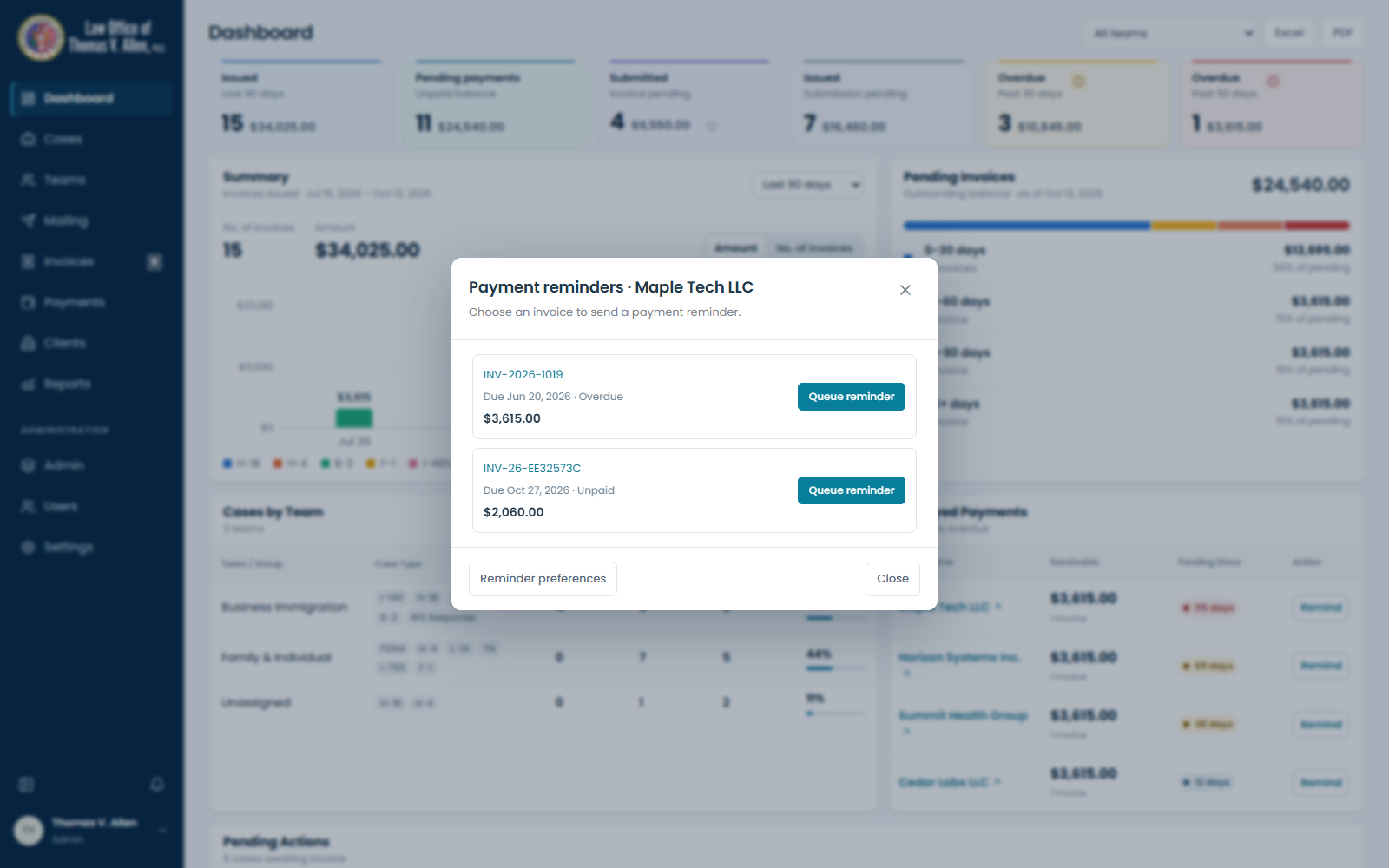
12 — Select invoice reminder

12 — Select invoice reminder

13 — Reminder queued

Saved in the isolated walkthrough only; no email sent.
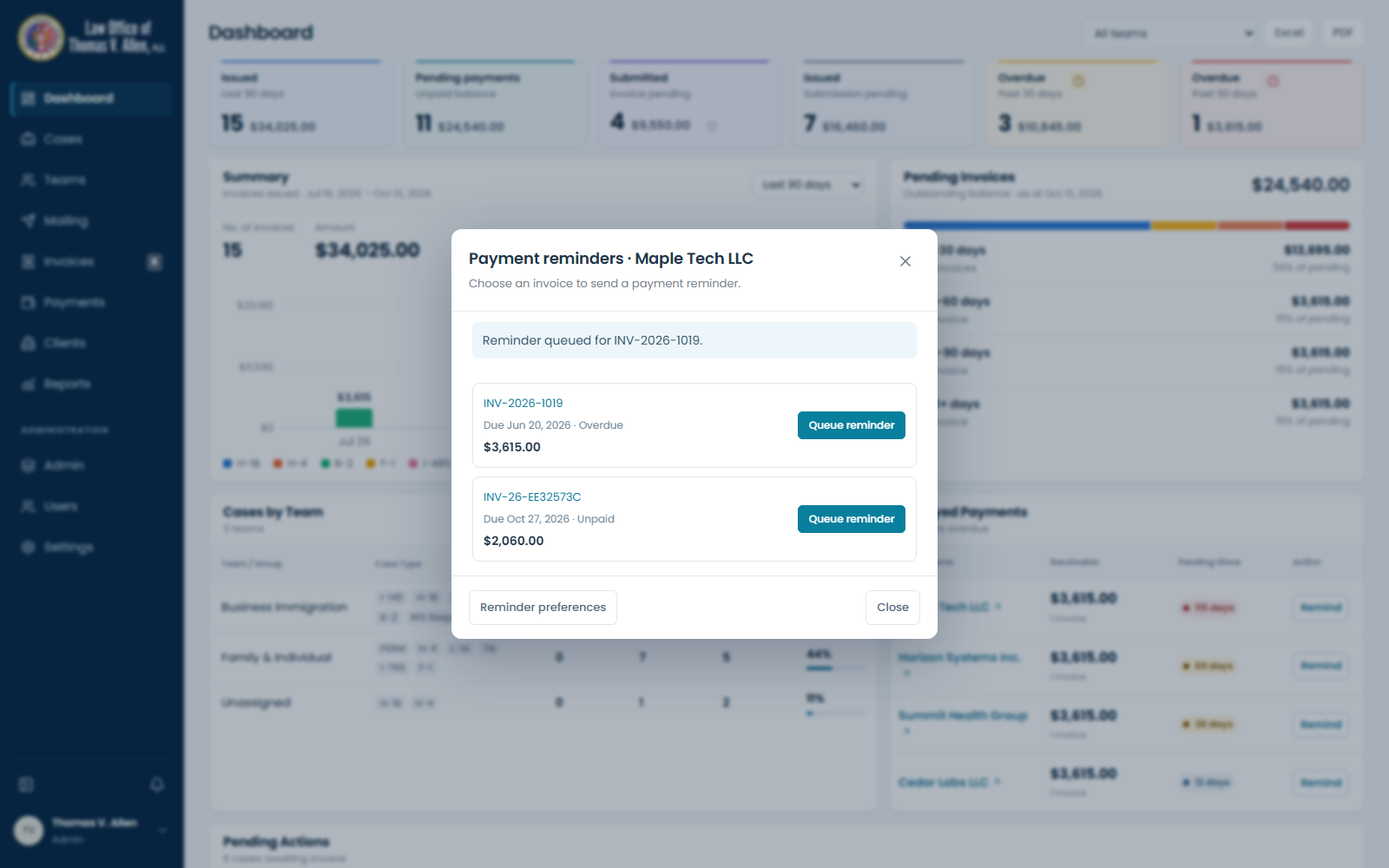
13 — Reminder queued

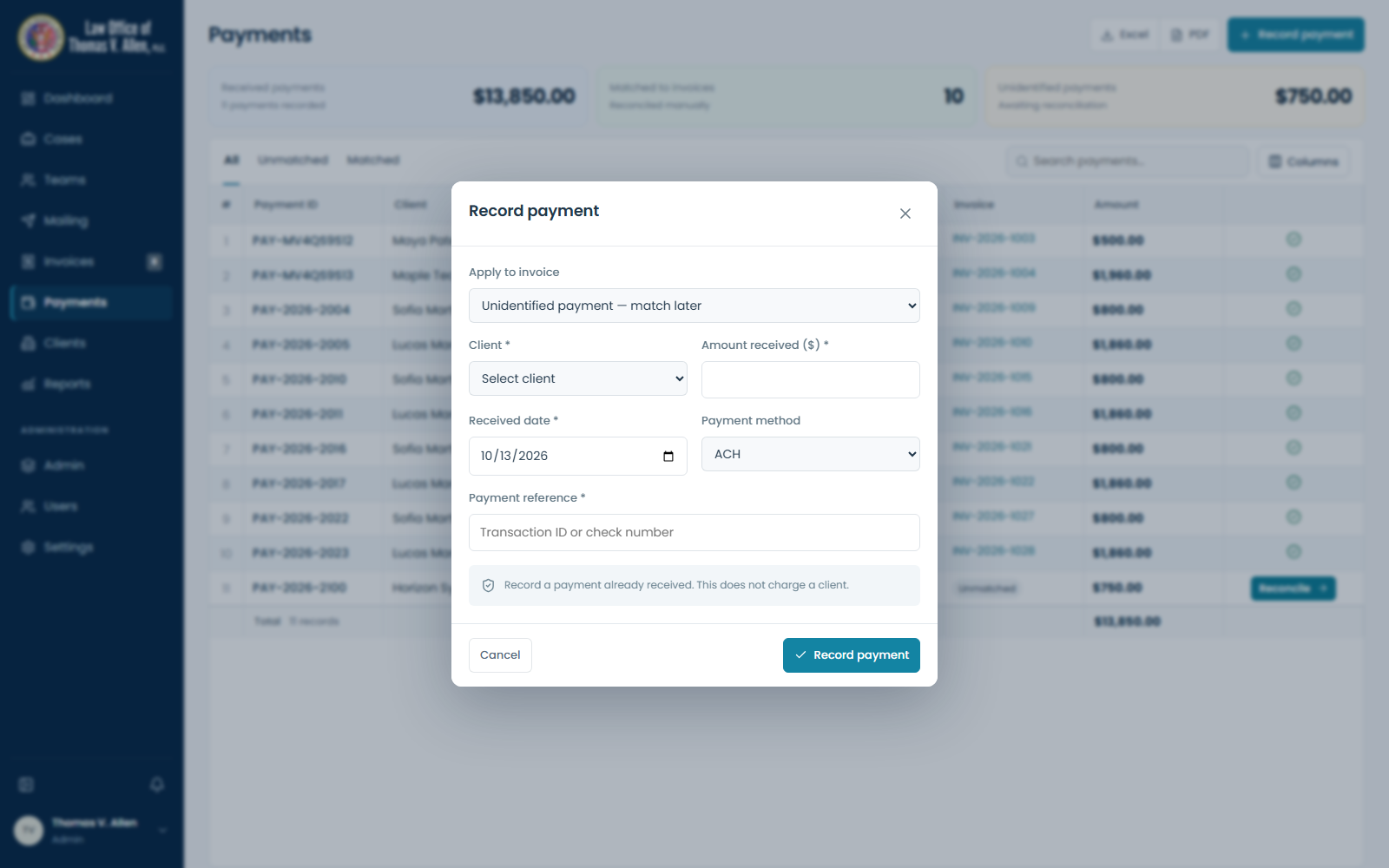
14 — Record received payment

14 — Record received payment

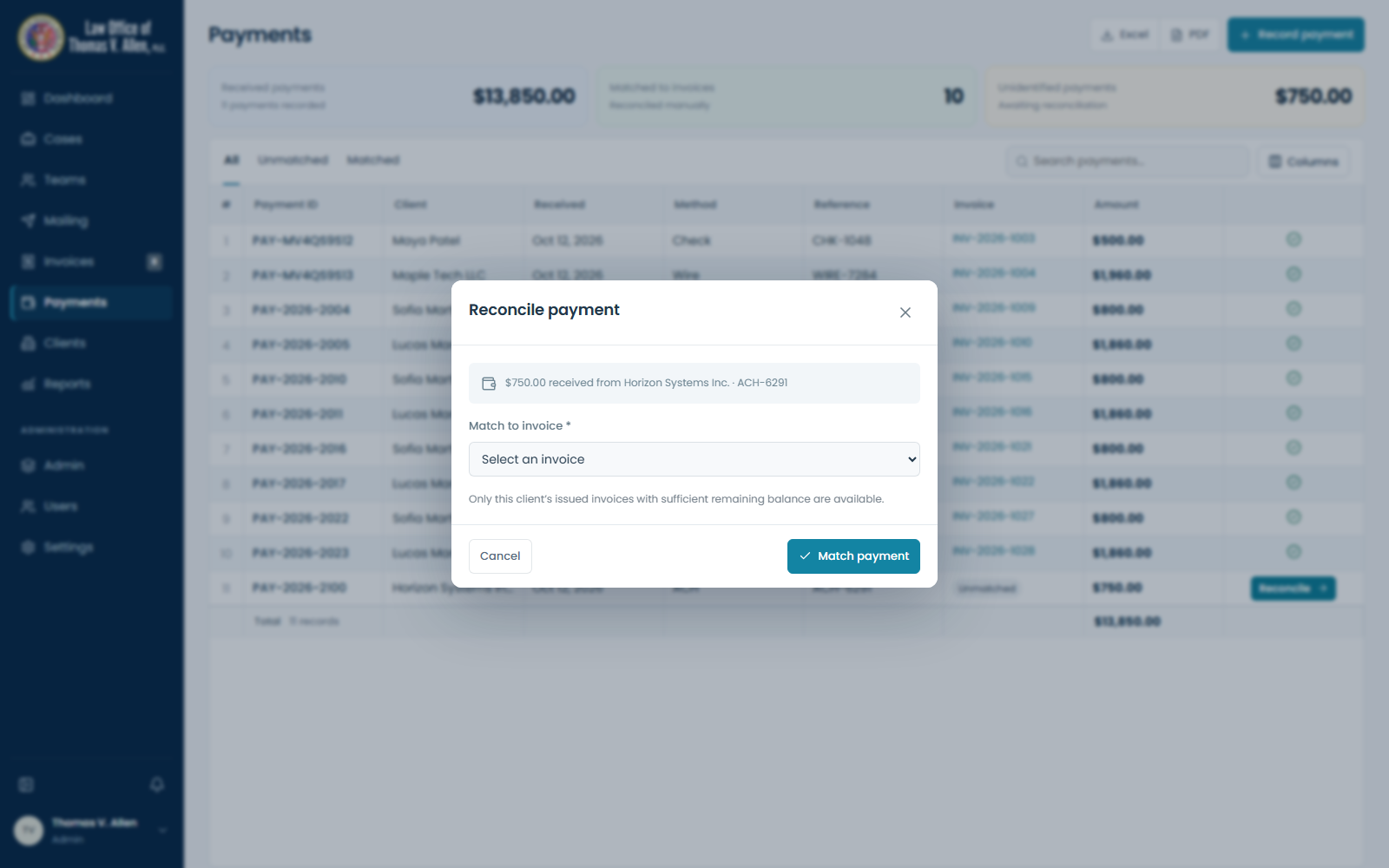
15 — Match unidentified receipt

15 — Match unidentified receipt

Configuration and intake

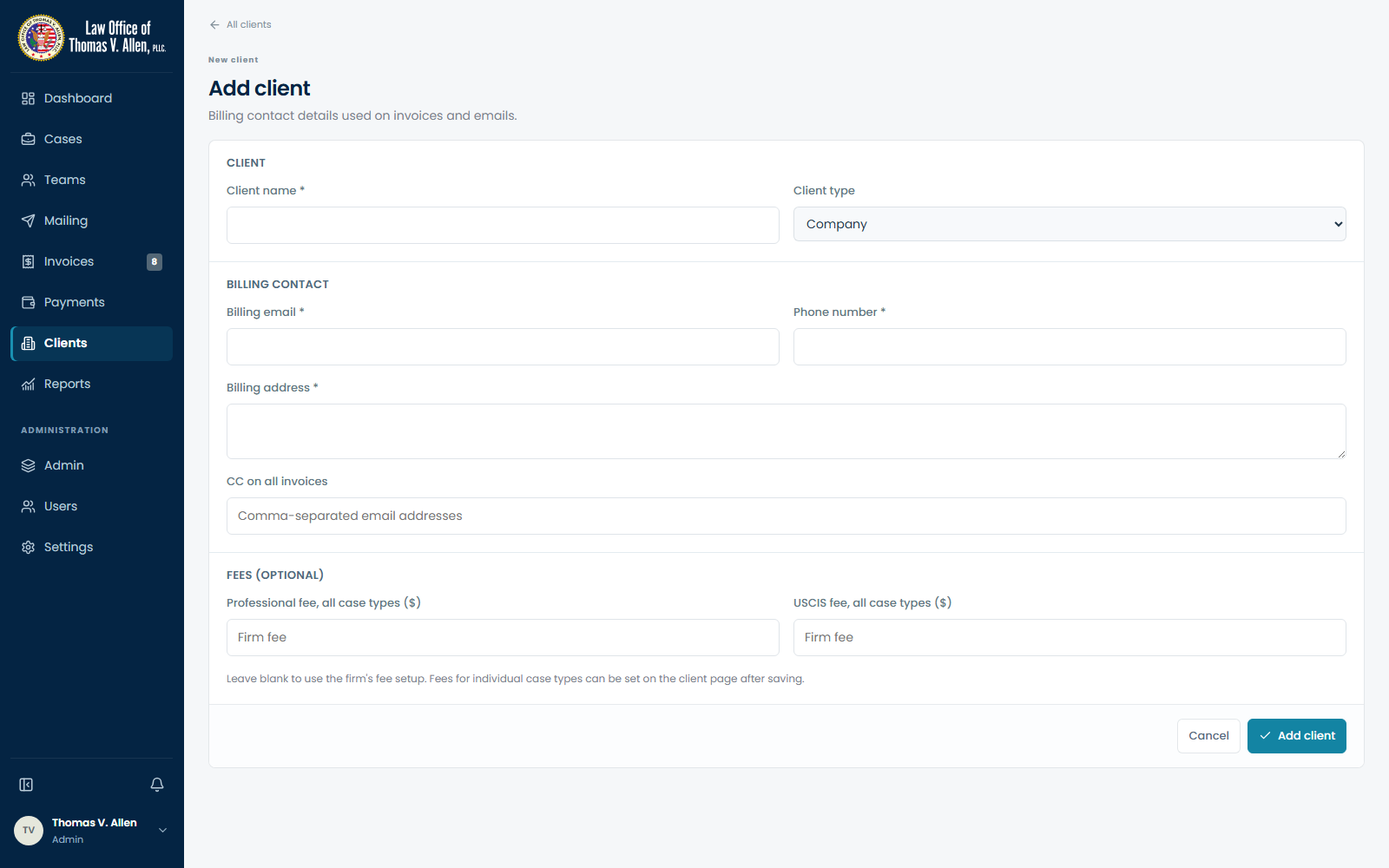
Client billing profile and fee overrides

Client billing profile and fee overrides

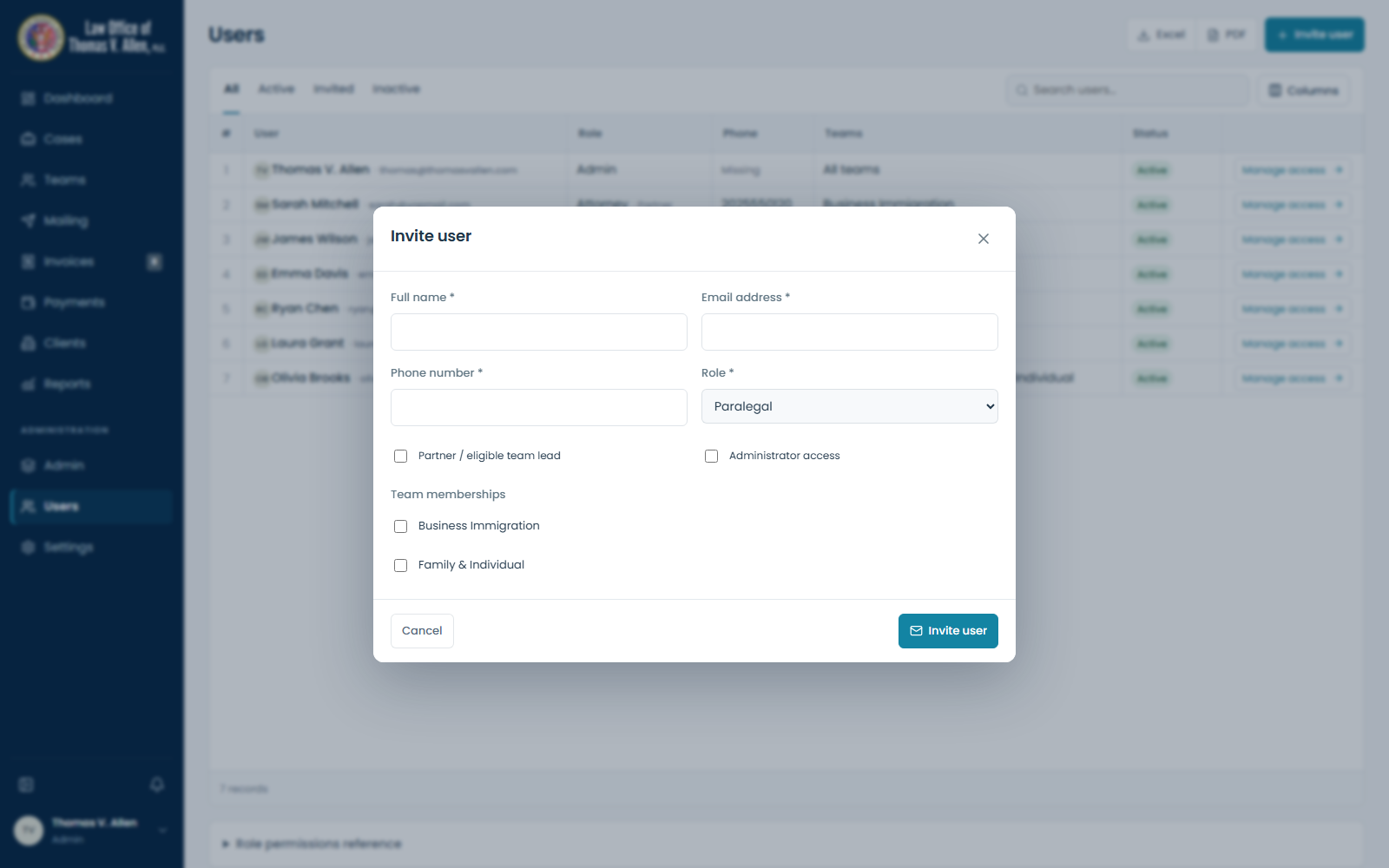
User invitation and permissions

User invitation and permissions